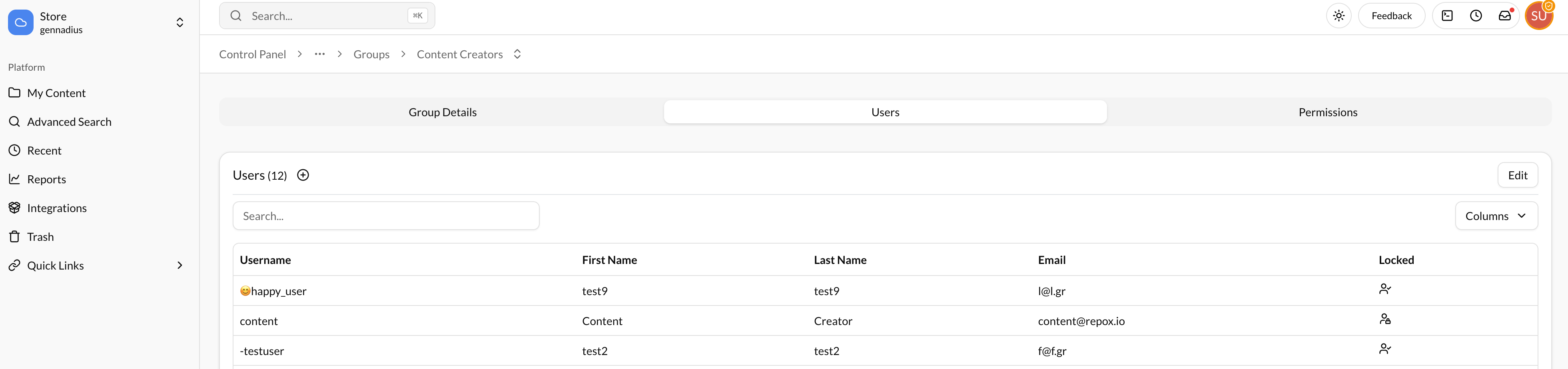
Create new User
To create a new User, click on:
Settings -> User Management -> Users
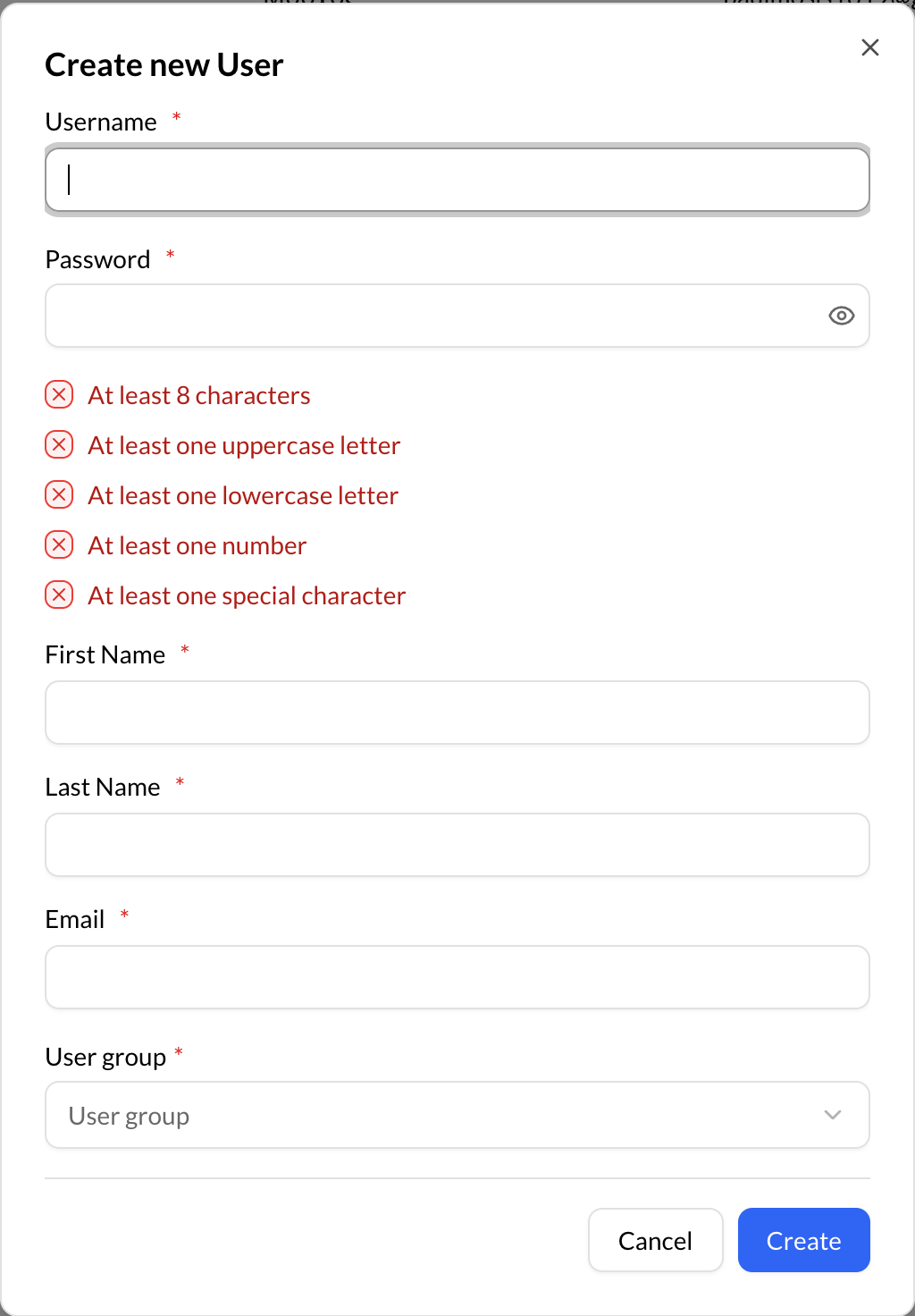
Using the “Create (+)" button, on the bottom right of Repox Store, you can create one or more new Users.
Asterisk (*) represents the required fields.
Assign User to Group
To assign the User to a Group:
- Click on the "+" button near the "Groups (0)" title.
- Select the groups you want the user to be assigned.