Tags
Tags allow users to add descriptive labels or keywords to individual items in their collections. These tags can then be used to categorize and filter items based on shares characteristics, such as subject, or format. By tagging items, users can make it easier to find related items and perform targeted searches, even across large collections.
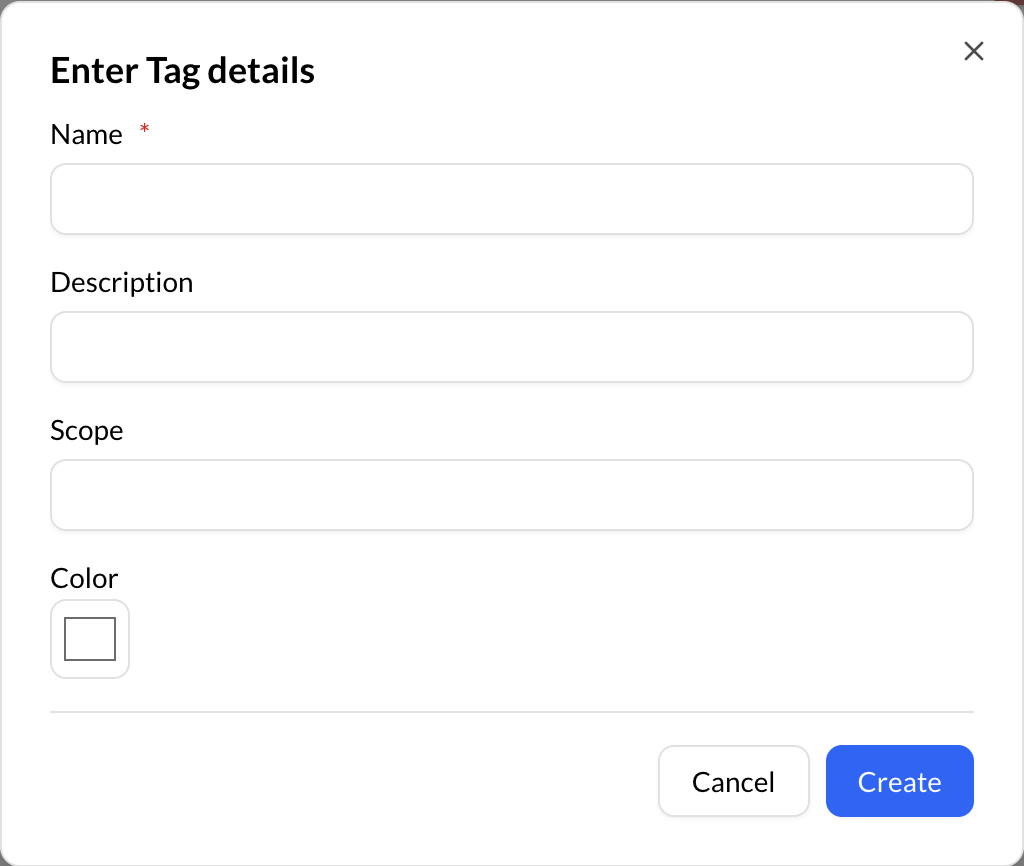
Create a Tag
To create a Tag, click on:
Control Panel -> Data Modeling -> Tags
Using the “Create (+)" button, on the bottom right of Repox Store, you can create one or more new Tags.
Asterisk (*) represents the required fields.
Assign a Tag
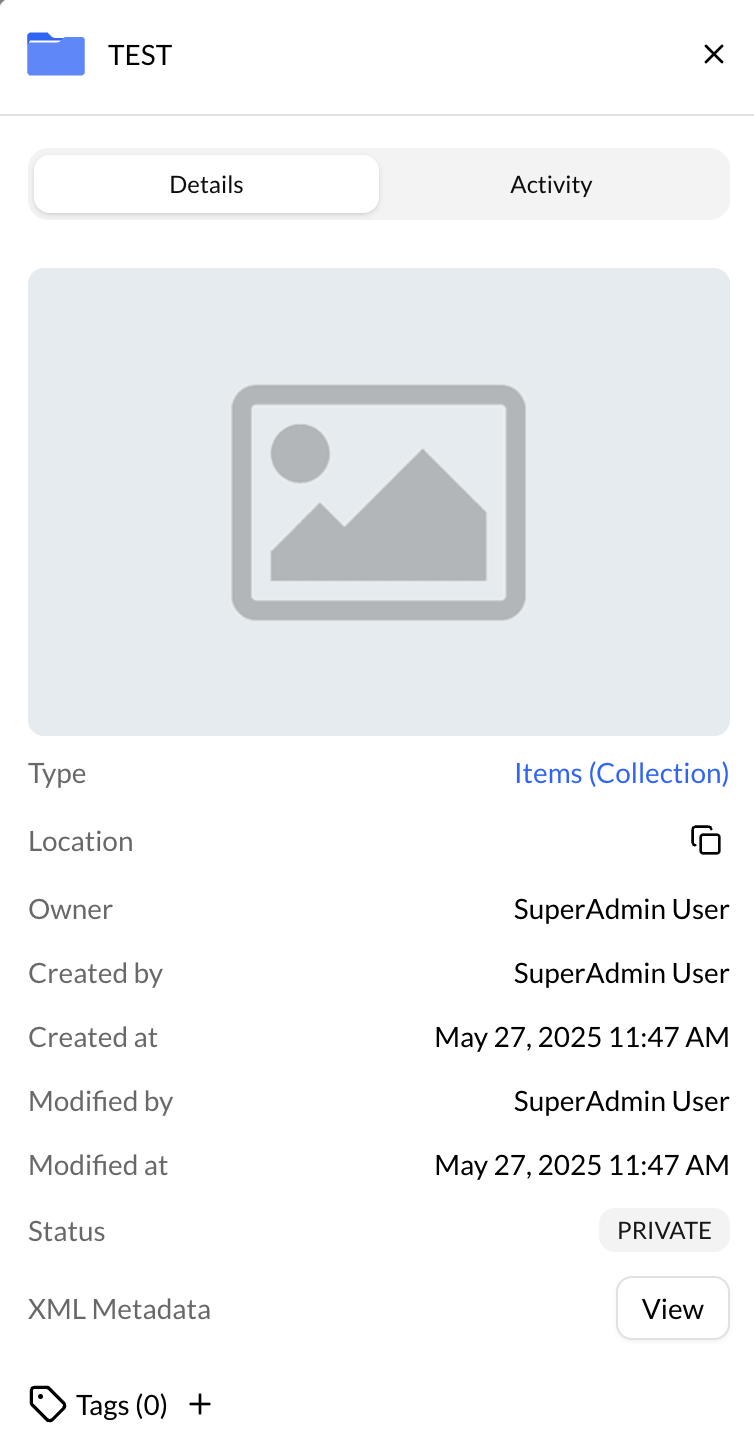
To assign a Tag to a container/datastream:
- Select the container/datastream
- Click on the info details
- Click on the assign (+) button near the "Tag"

From the tags list you can choose the tags to assign them to the container/datastream.