Add Containers
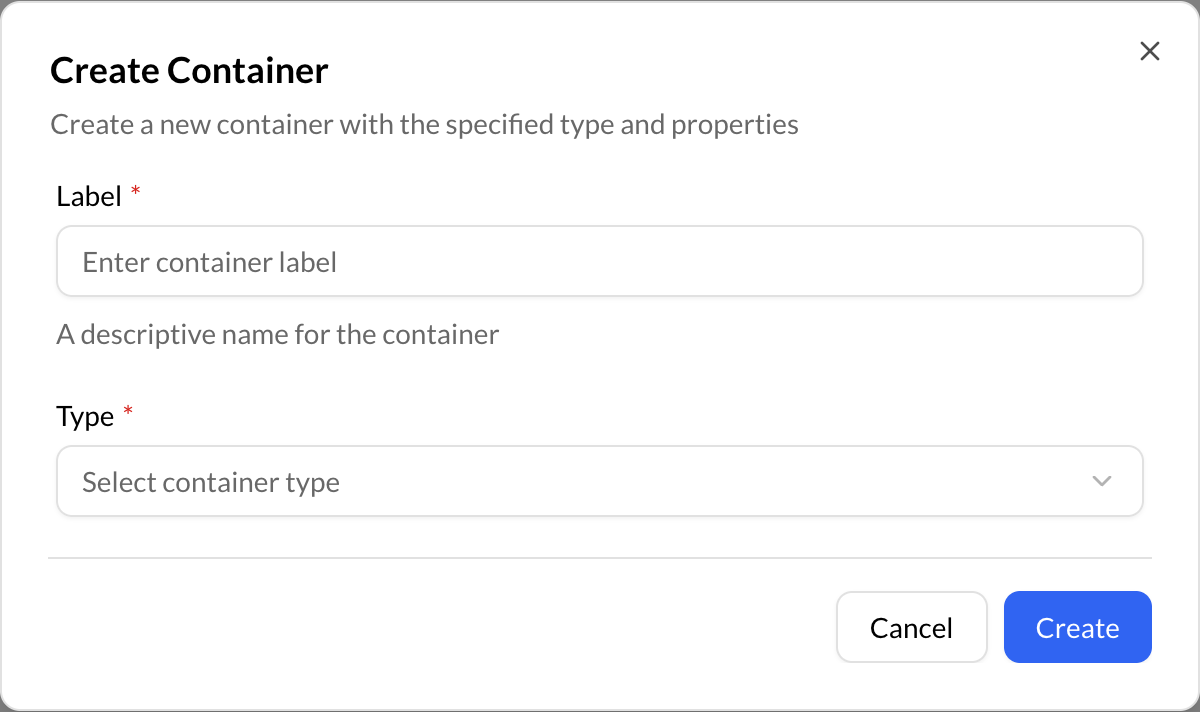
Containers can be created at the root (My Content) or inside another container. To create a Container:
- Go to the root (My Content) or in a container.
- Click the “Create” (+) button on the bottom right of Repox Store.
Asterisk (*) represents the required fields.
Upload Datastreams
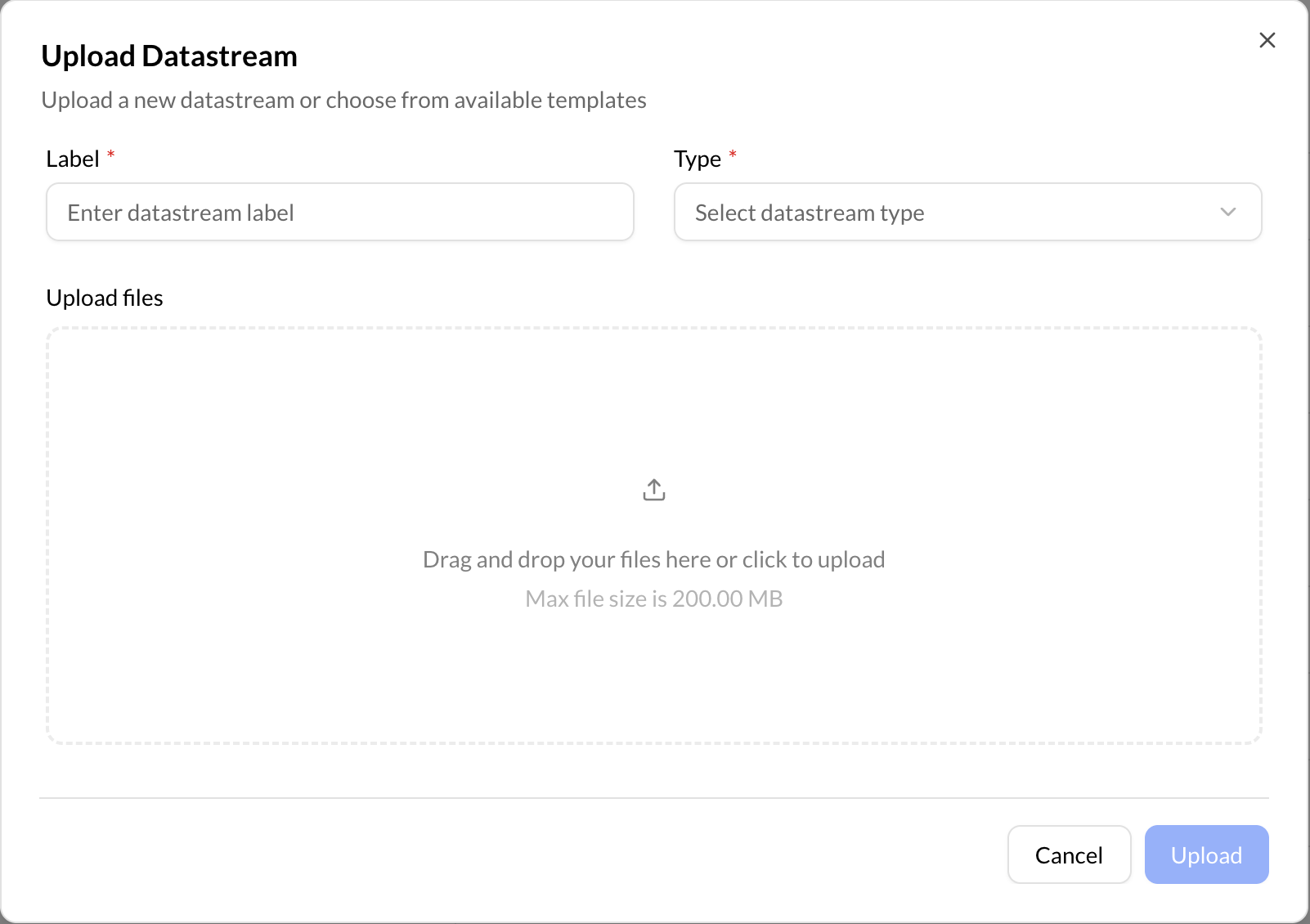
Datastreams can be uploaded only inside a container (not at the root (My Content)). To upload a datastream:
- Choose a container.
- Click the “Create” (+) button on the bottom right of Repox Store.
- Click “Upload Datastream”.
Asterisk (*) represents the required fields.
⚠️
New containers/datastreams should have a Container Type that allows them to be created in the location we need them.