Create Mappings
Mappings serve the purpose of facilitating integration between disparate properties by relying on a shared content model. To accomplish this, they use schema mapping, which involves translating the schema of the source content model, which may be heterogeneous, into the target schema. To create a Mapping, click on:
Settings -> Metadata Schemas -> Mappings
Using the “Create (+)" button, on the bottom right of Repox Store, you can create one or more new Mappings.
Asterisk (*) represents the required fields.
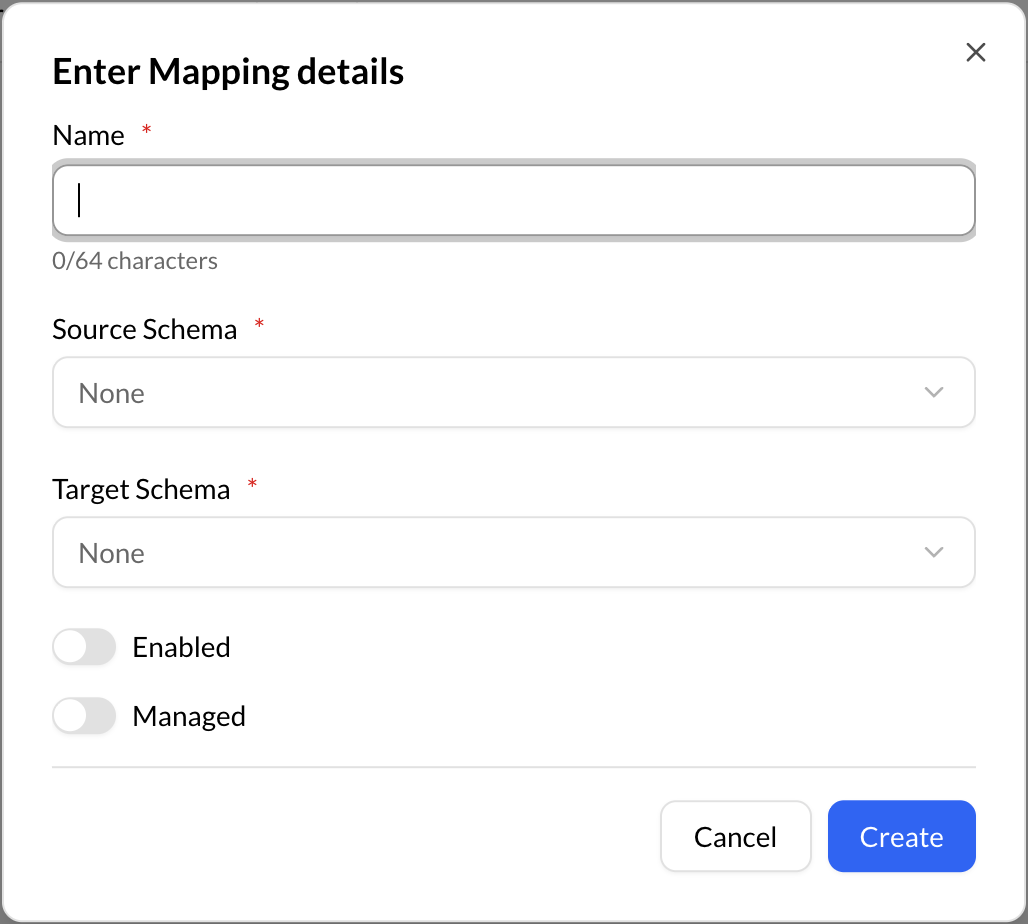
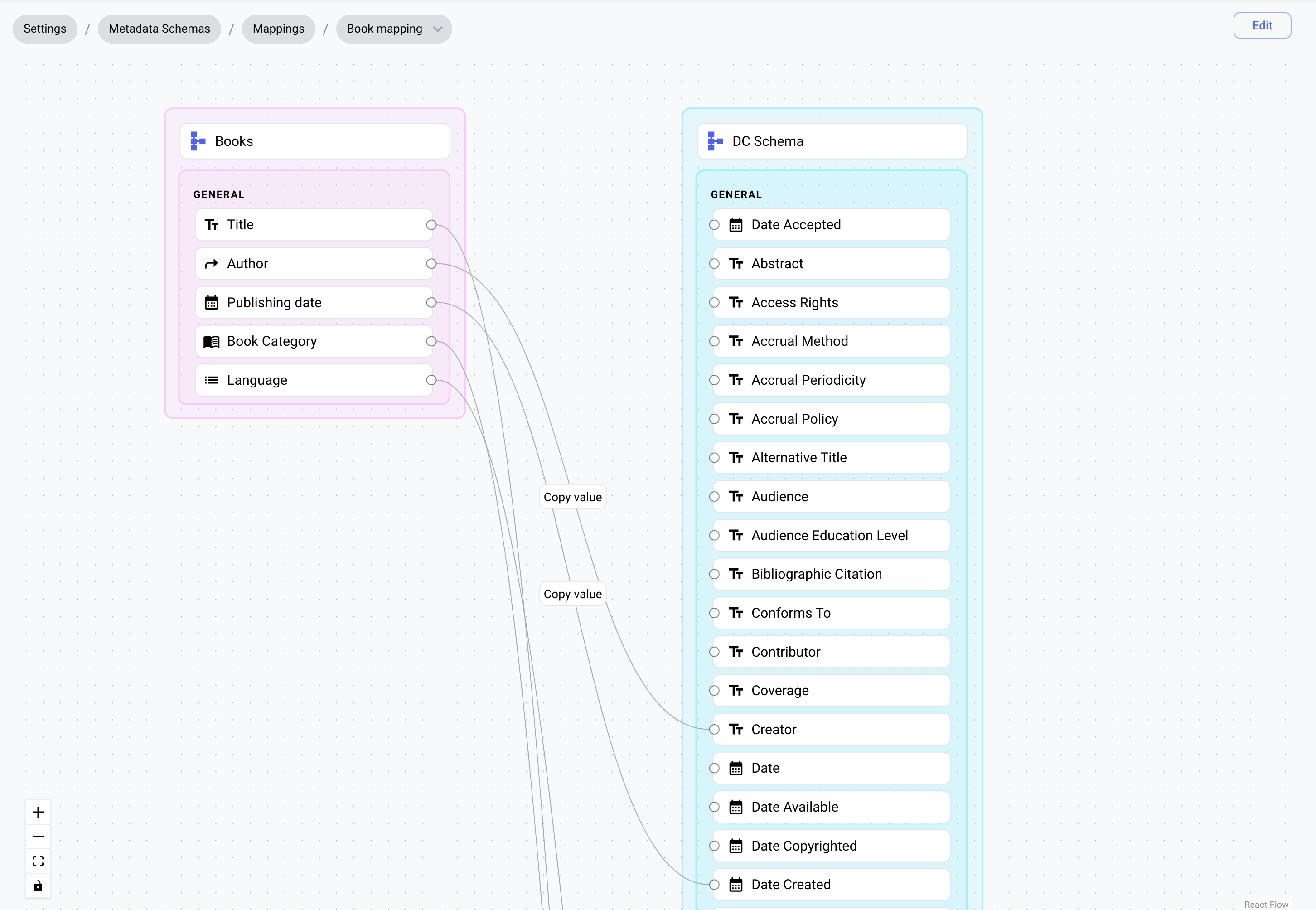
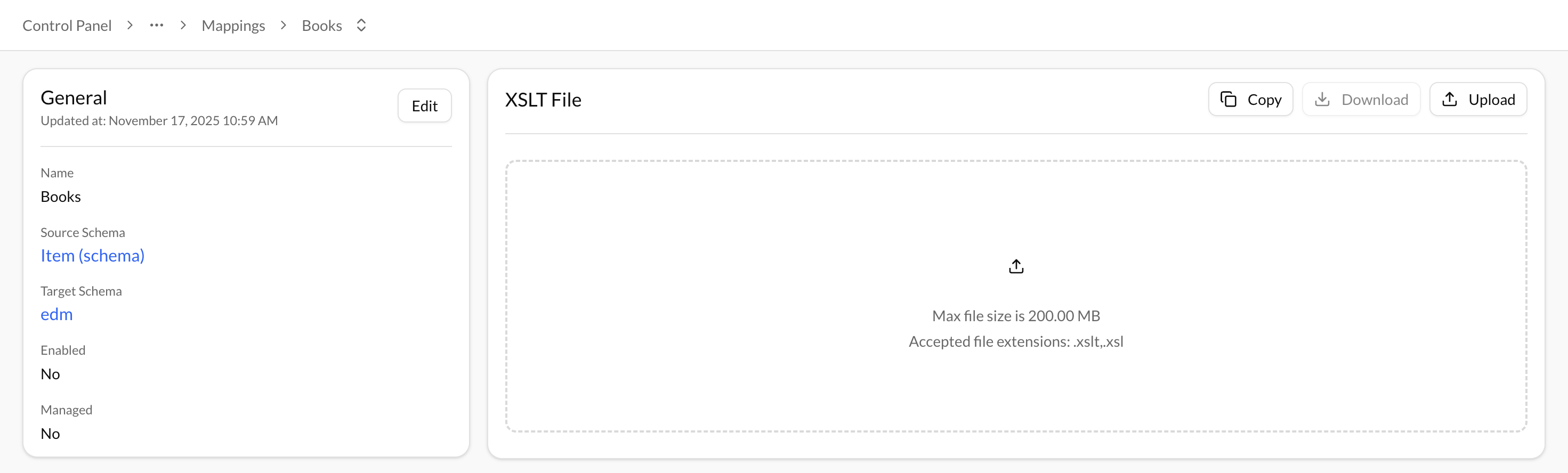
When the "Managed" option is enabled, you have the ability to visually design your mapping between two schemas using a graphical interface. However, if "Managed" is not enabled, you will need to upload an XSLT file to perform the mapping between the schemas.