Publish a Container / Datastream
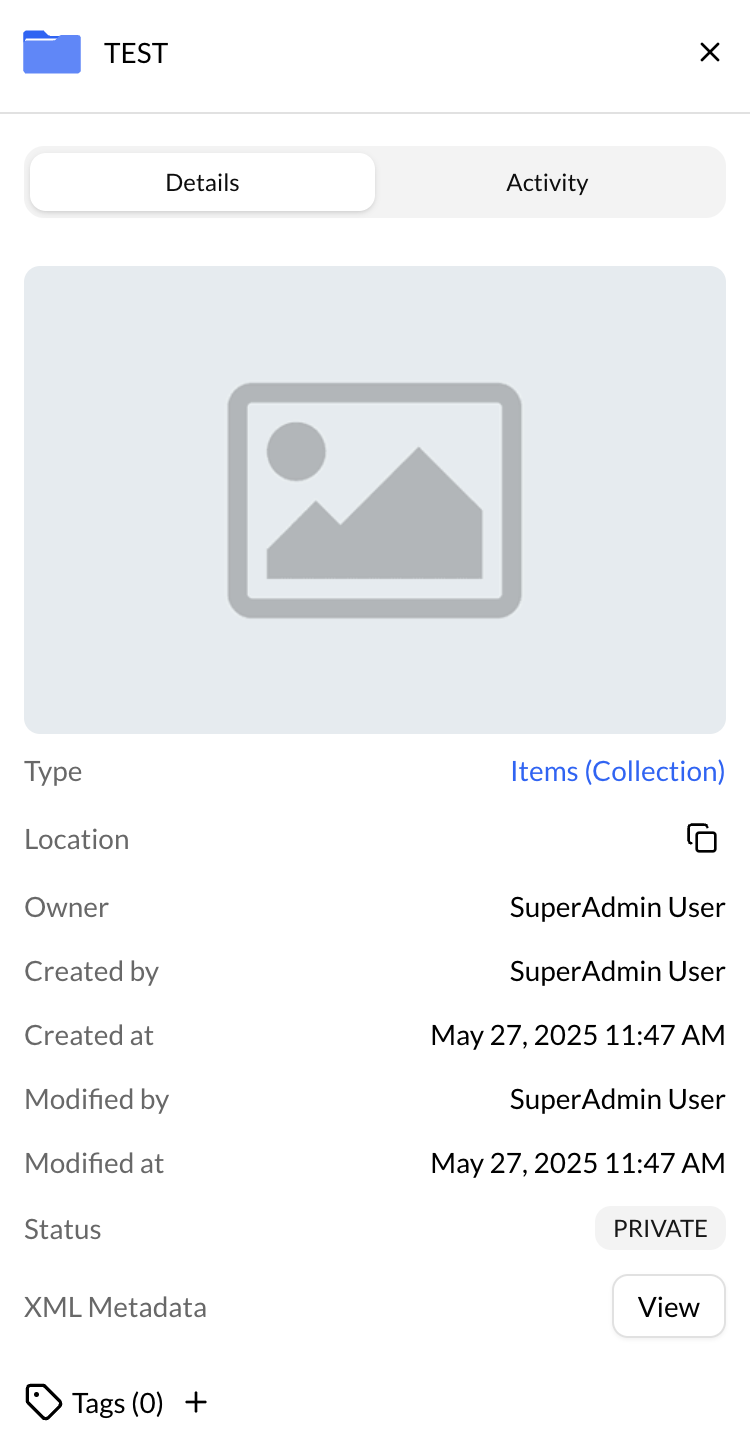
To publish a collection (container / datastream):
- Choose a container / datastream.
- Click on the info details [(i) button] on the top right corner of the dashboard.
- Change the status Private / Public.
An alternative way to publish or unpublish a container/datastream is to simply right-click on it and select the "Publish" or "Unpublish" action.