Create Attributes
To create an Attribute, click on:
- Click your profile picture in the top right of Repox Store.
- Control Panel -> Metadata Schemas -> Attributes
Using the “Create (+)" button, on the bottom right of Repox Store, you can create one or more new Attributes.
Asterisk (*) represents the required fields.
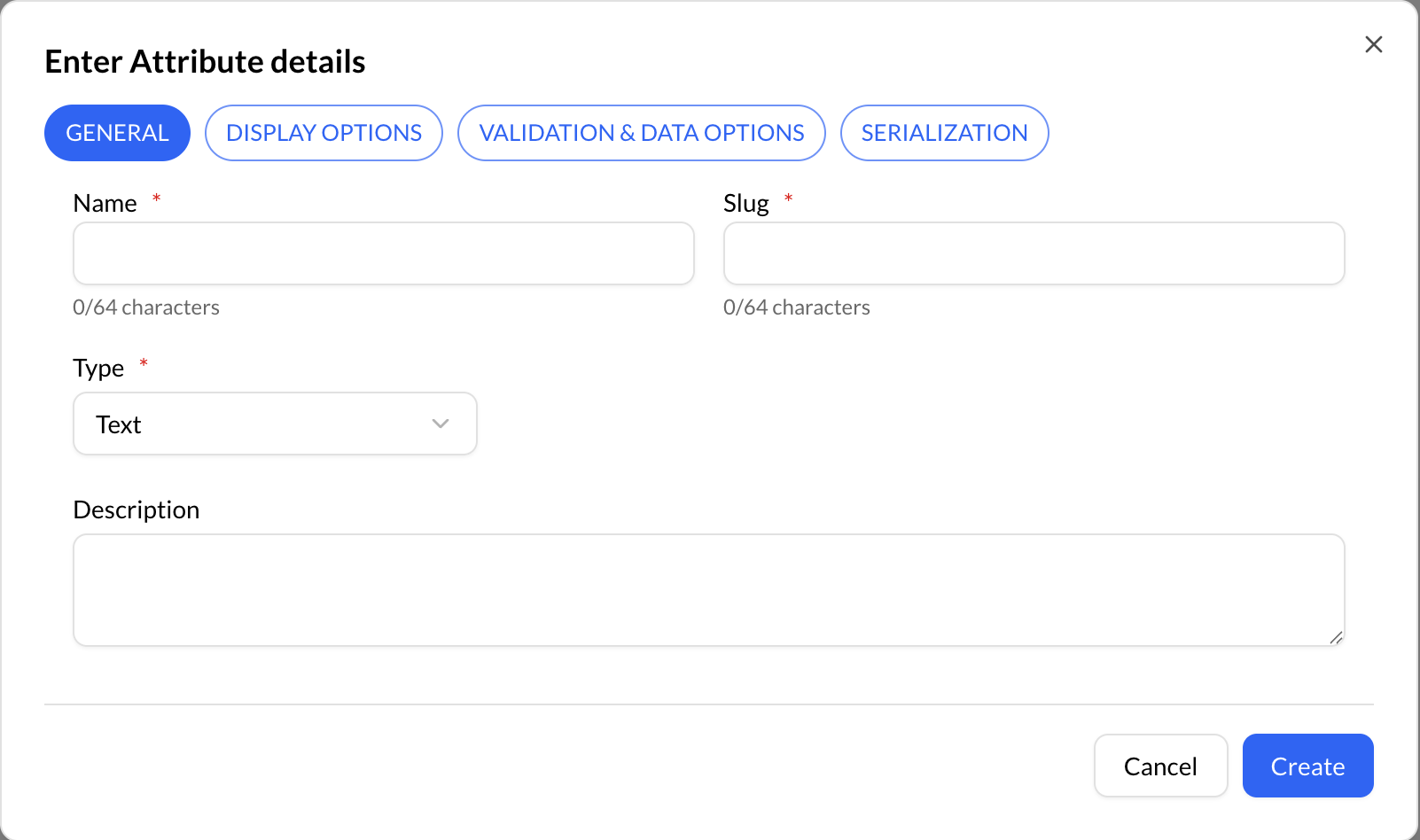
The following are the different attribute types available in Repox:
| Type | Description |
|---|---|
| Text | A simple text field that can be used to enter short pieces of information, such as a title or a name. |
| Select | A field that provides a predefined list of values to choose from, such as a list of formats or genres. |
| URL | A field that can be used to enter a web address or hyperlink for an item. |