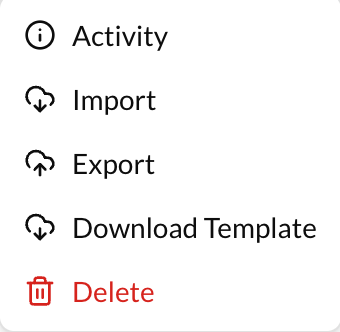
Export Containers
To export a container:
- Go to the actions button (3 dots) at the right of the container.
- Click on "Export".
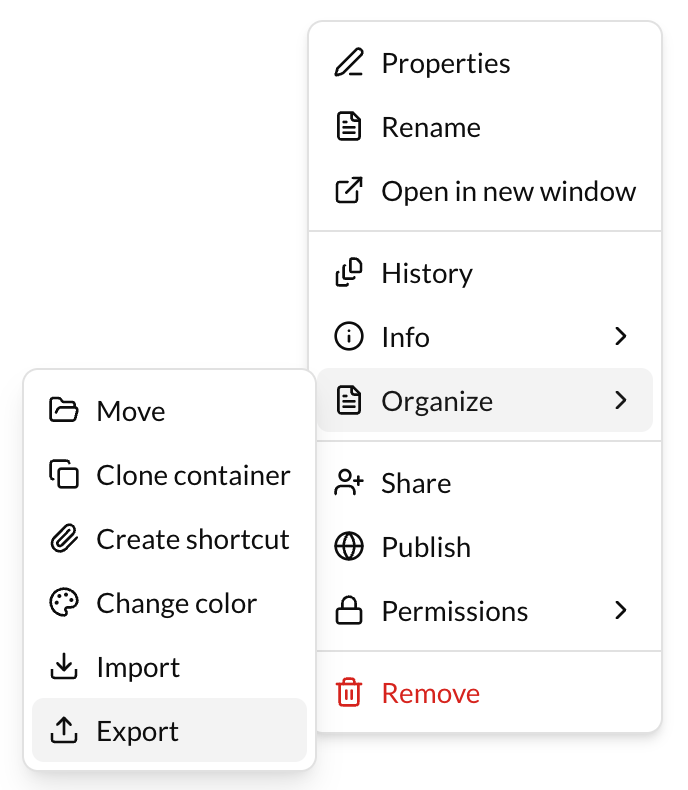
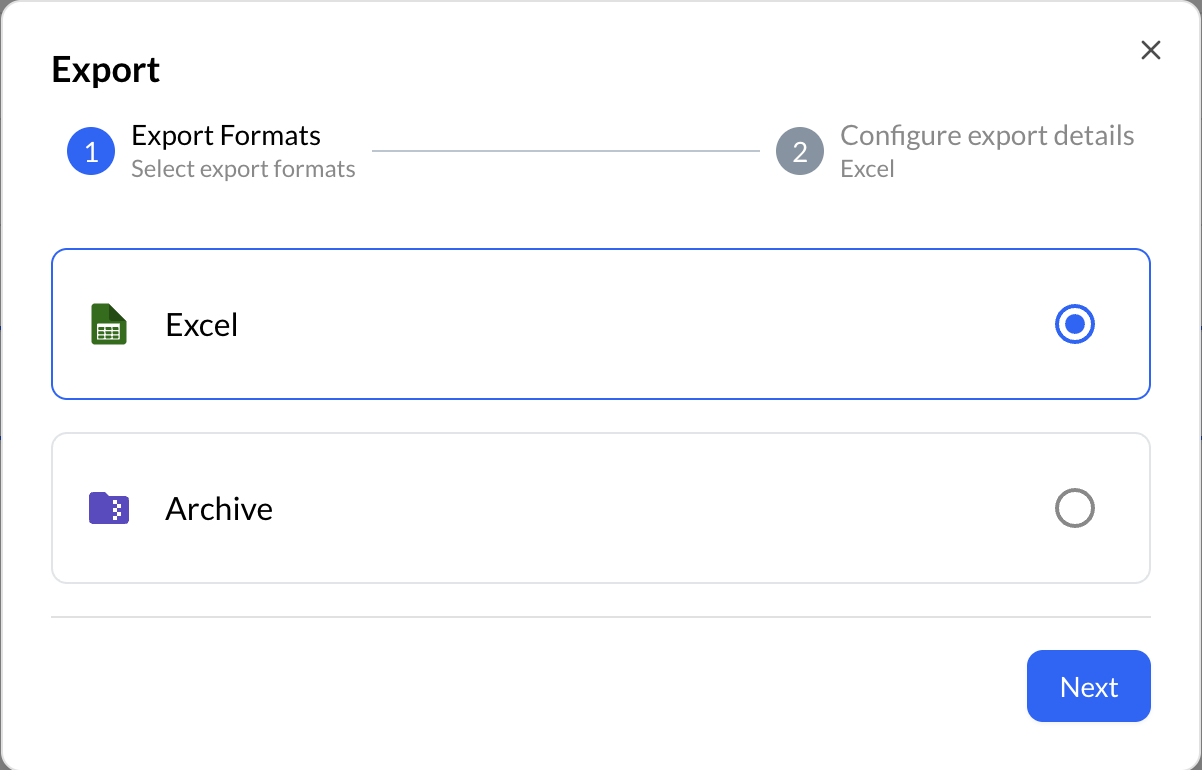
There are two export formats:
- Repox Archive: A zip/tar_gzip file with all the metadata or/and datastreams will be downloaded
- Excel: An .xlsx file with all the metadata will be downloaded.
⚠️
If the selected container does not include any containers, cannot be exported in excel format!
Export Vocabulary Terms
To export a vocabulary:
- Go to the actions button (3 dots) at the right of the container.
- Click on "Export".
An excel file (.xlsx) will be downloaded with all the vocabulary's terms.