Create Vocabularies
To create a Vocabulary, click on:
- Click your profile picture in the top right of Repox Store.
- Control Panel -> Metadata Schemas -> Vocabularies
Using the “Create (+)" button, on the bottom right of Repox Store, you can create one or more new Vocabularies.
Asterisk (*) represents the required fields.

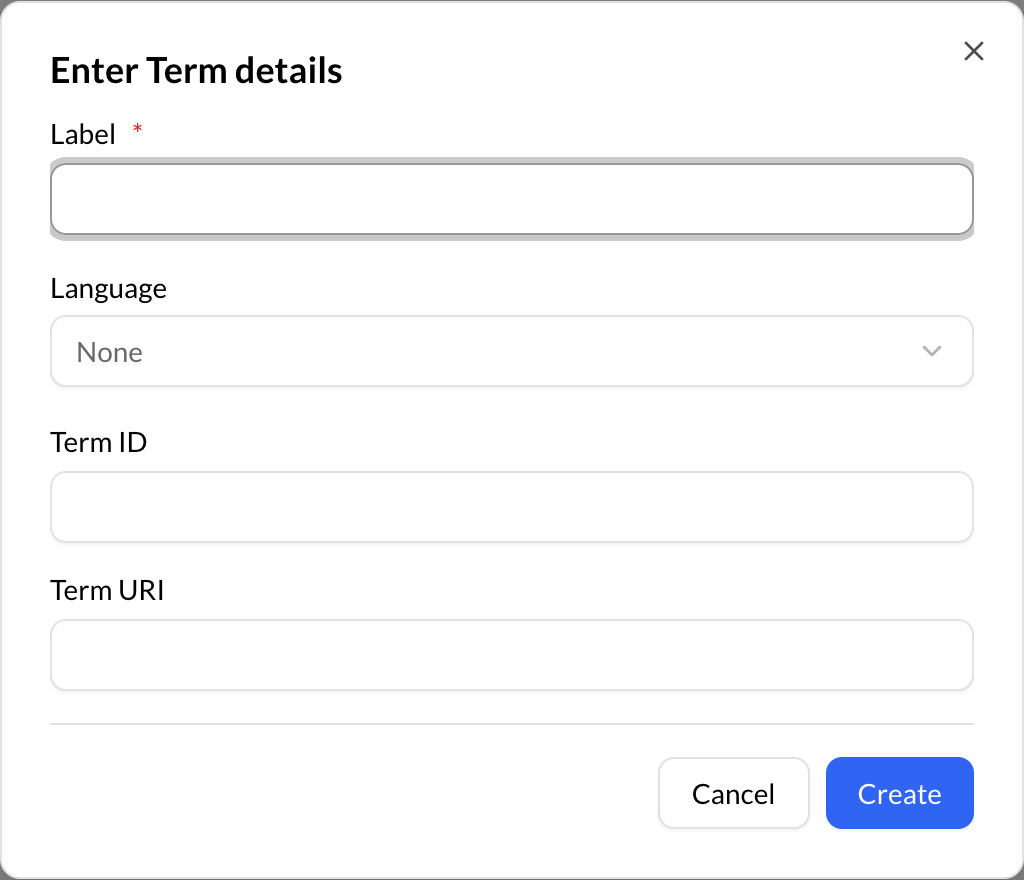
Add Term in Vocabularies
To add a term in a Vocabulary, click on:
- Choose a Vocabulary.
- At the "Terms" section, click on the add (+) term button.
- Add term.

Asterisk (*) represents the required fields.