OAI-PMH URL
To export an OAI-PMH URL for data harvesting (e.g., by EKT), you must first configure the OAI-PMH service and prepare the data sets to be exposed. Follow the steps below:
1. Configure the OAI-PMH Settings
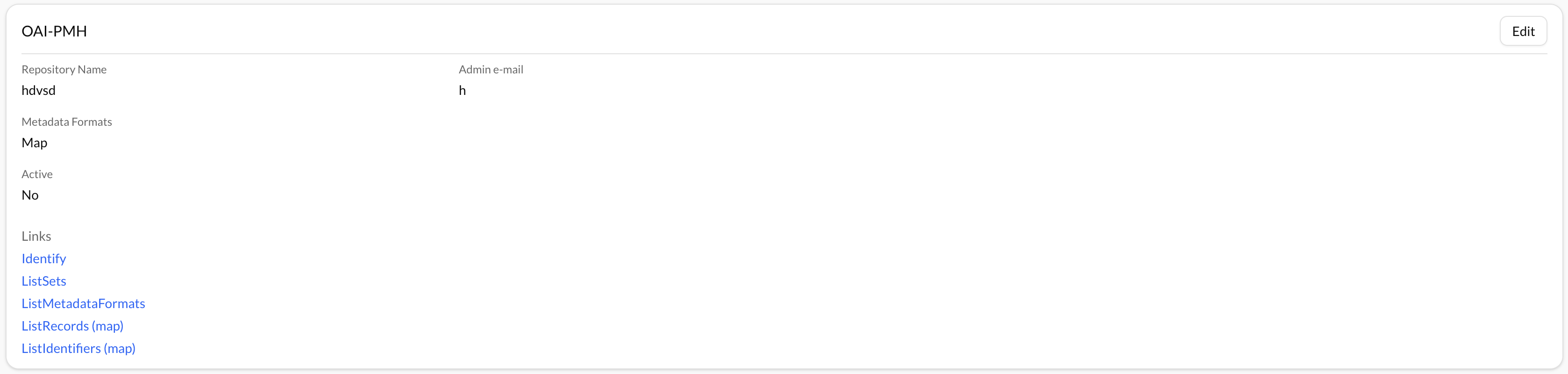
Navigate to Control Panel → OAI-PMH. Here, you need to complete the basic repository configuration:
- Repository Name – The public name of your repository.
- Admin Email – A valid contact email address.
- Metadata Formats – Choose the metadata formats in which the data should be exported (e.g., EDM).
2. Create Data Sets
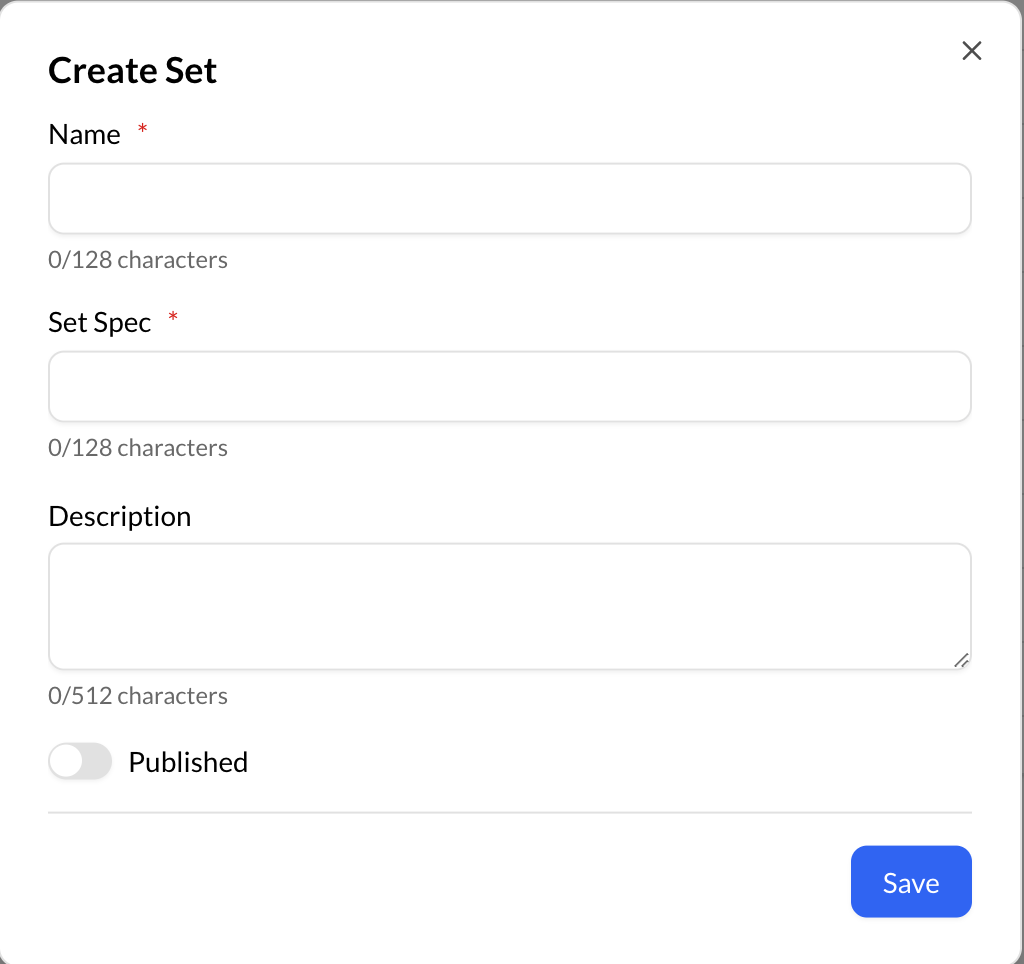
After configuring the repository, you need to define the data sets to be included in the export. These will be made available to EKT or any other OAI-PMH harvester. Click the blue "+" button to create a new set.

In the modal that opens, provide the following information:
- Set Name – A unique name for the set.
- Description – (Optional) A short description of the set.
- Set Spec – A unique identifier used in the OAI-PMH protocol.
- Set Type – Choose between:
-
- Static: You manually select which items to include.
-
- Dynamic: Items are included based on a saved search query.
Note: Static sets require manual item selection. Dynamic sets will automatically include all items matching the configured search criteria.
3. Serialize the Data Sets Once the data sets are created, click Serialize and apply mappings to prepare them for export.
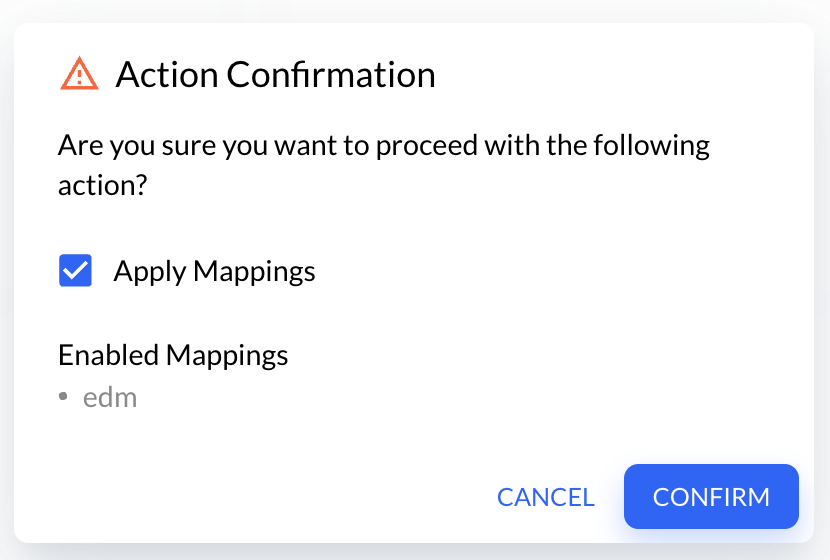
A background job is created to handle the serialization. Wait until the job completes before continuing.
4. Evaluate the Data
After serialization, click Evaluate to check the validity and completeness of the data. Another background job will be started. Once the evaluation is successfully completed, OAI-PMH URLs are generated.
5. Retrieve the OAI-PMH URL
When the process is complete, you will be provided with links to OAI-PMH endpoints such as ListRecords. These URLs can now be shared with EKT for harvesting.
Important: Every time your data sets are updated (e.g., new items added or existing ones modified), you must repeat the Serialization and Evaluation steps. Notify EKT after each update so they can re-harvest the data.