Create Schemas
To create a Schema, click on:
- Click your profile picture in the top right of Repox Store.
- Control Panel -> Metadata Schemas -> Schemas
Using the “Create (+)" button, on the bottom right of Repox Store, you can create one or more new Schemas.
Asterisk (*) represents the required fields.
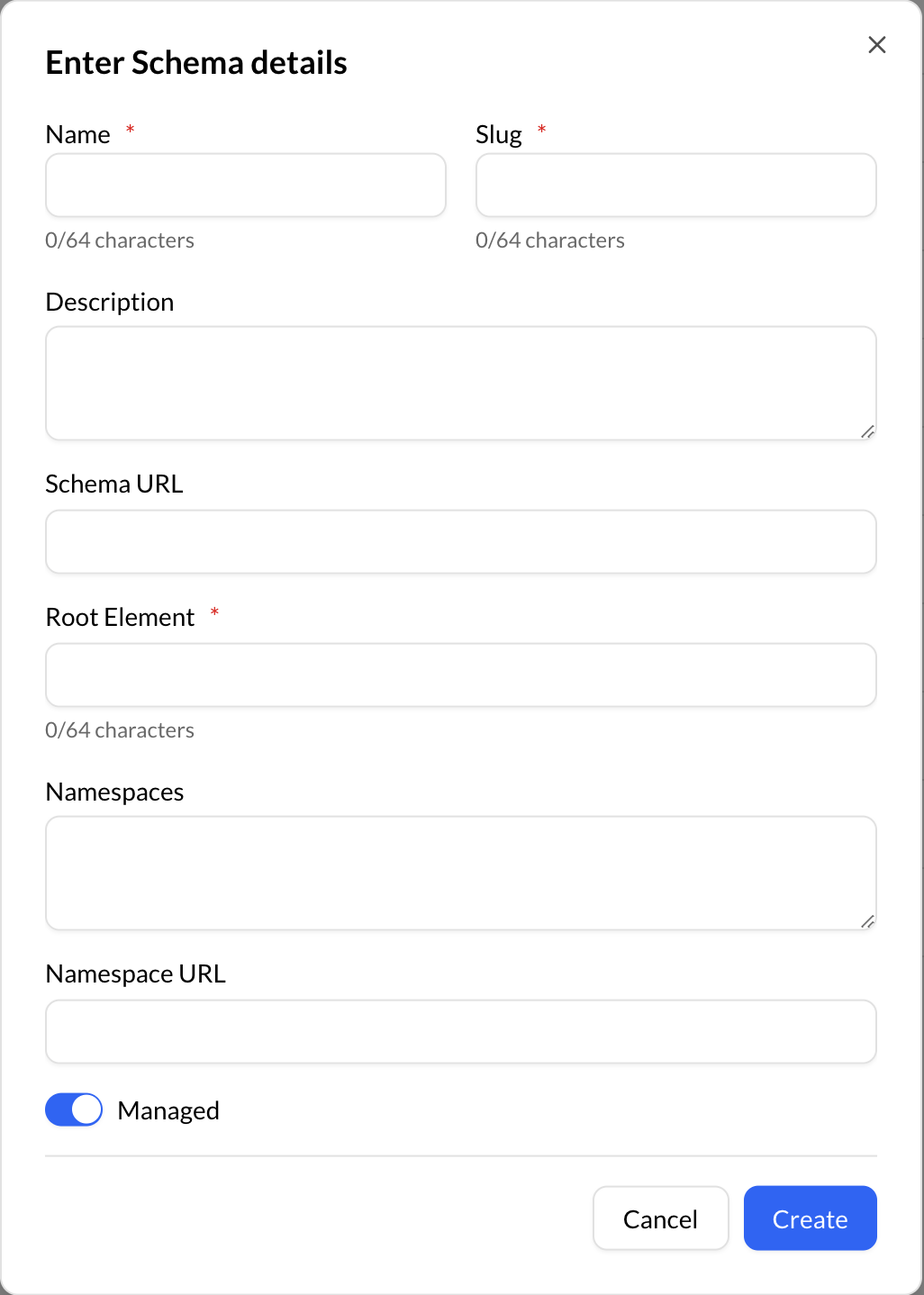
The Root element is used at the serialization of the schema in XML format.
Assign Properties to a Schemas
To assign properties in a Schema:
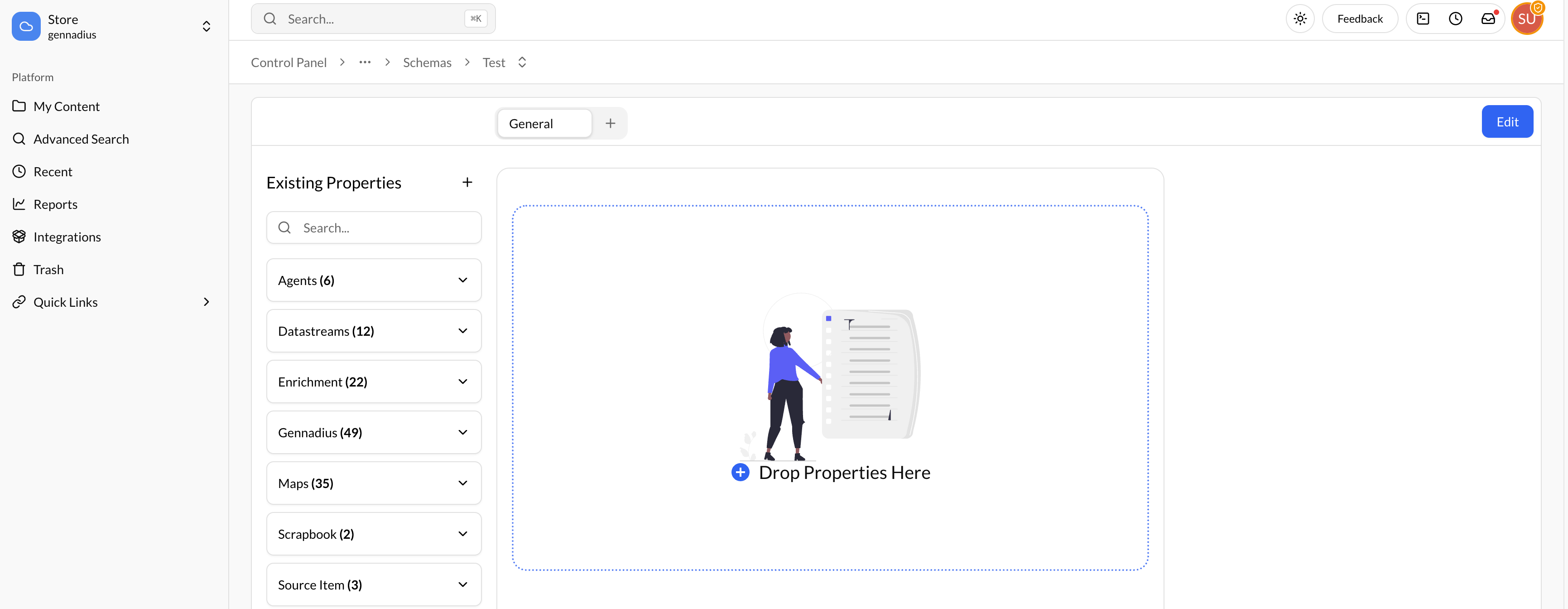
- Create a new Schema group, using the “+” button.
- Drag and drop properties from the “Existing Properties” into the Schema editor.
Configure Properties
To configure the properties on a Schema:
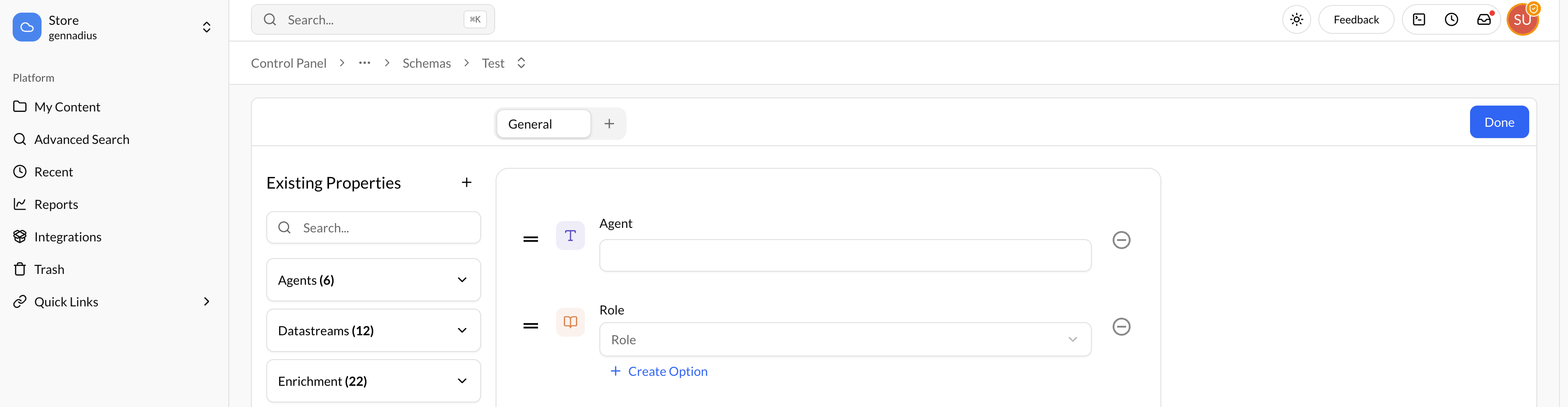
- Choose a property from the Schema editor.
- Configure the property.
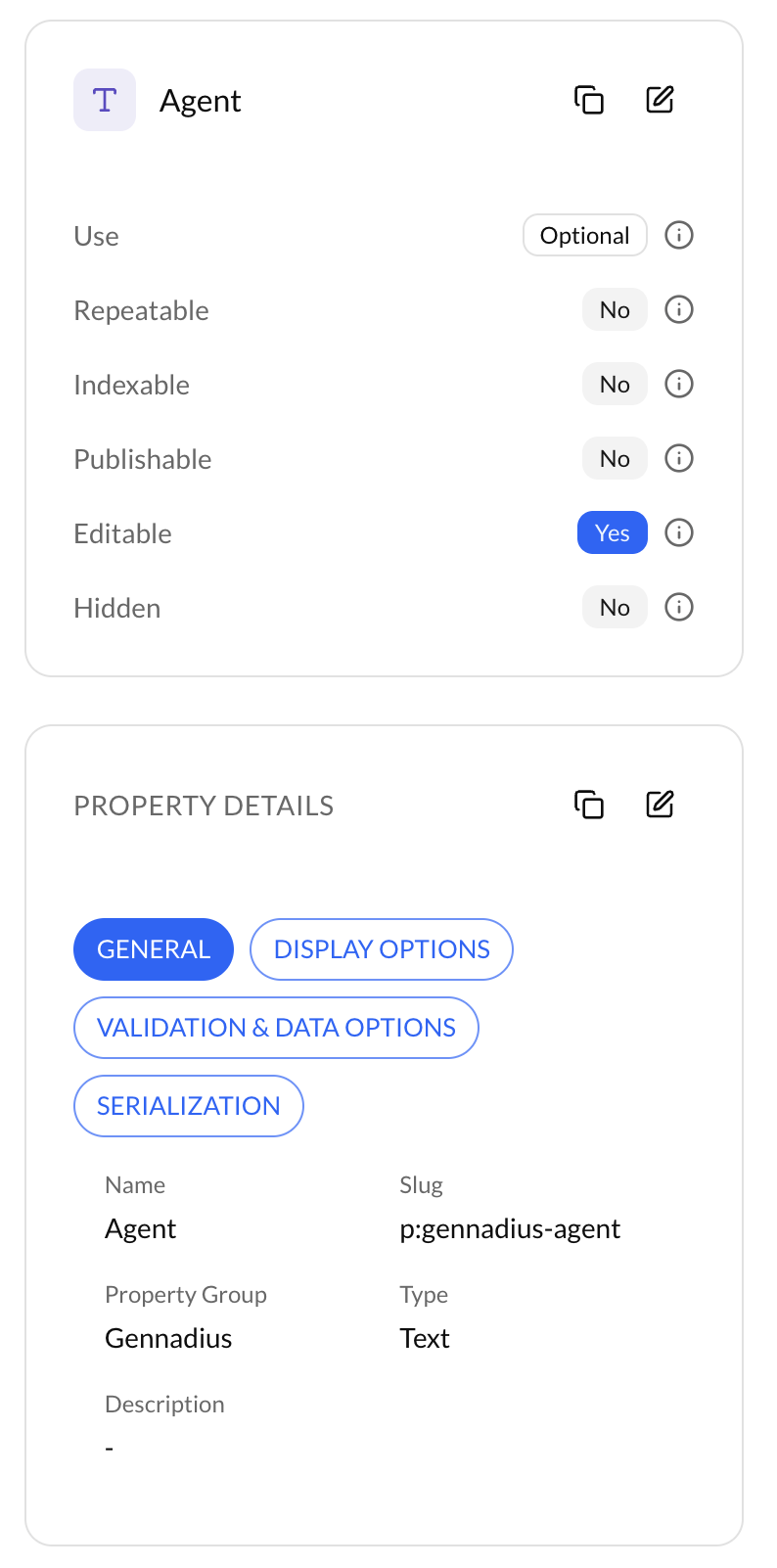
By clicking on a property in the schema, you can configure it to meet your specific needs. The property can be set as Optional, Required, or Recommended.
Additionally, you can customize the property with the following options:
- Repeatable: Allows multiple instances of the property.
- Indexable: Makes the property available for search operations.
- Publishable: Ensures the property is included in published content.
- Editable: Specifies whether the property can be modified within the content.
- Hidden: Determines if the property is visible in the content.