Delete Container / Datastream
To delete a container / datastream:
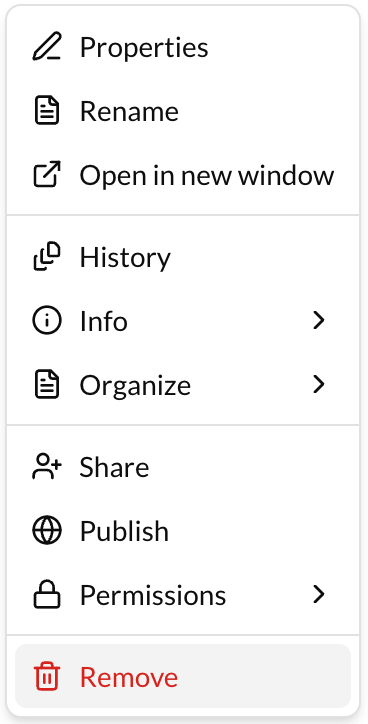
- Go to the actions button (3 dots) at the right of the container / datastream.
- Click on "Remove".
All the deleted containers/datastreams are in the Trash.
Permantly Delete Container / Datastream
To permanently delete a container / datastream:
- Click on the Trash at the left menu of Repox Store.
- Go to the actions button (3 dots) at the right of the container / datastream.
- Click on "
Remove" Or click on "Empty Trash" to permantly delete all the containers / datastreams that are in Trash.

Restore Container / Datastream
To restore a container / datastream:
- Click on the Trash at the right menu of Repox Store.
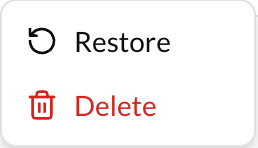
- Go to the actions button (3 dots) at the right of the container / datastream.
- Click on "Restore".
⚠️
If the parent of the container / datastream that is restored exists, the container / datastream will be moved to the parent container, else a dialog box will be opened to choose a new location.