Create Property Groups
A property can be entered in a Property Group. To create a Property Group, click on:
- Click your profile picture in the top right of Repox Store.
- Control Panel -> Metadata Schemas -> Properties
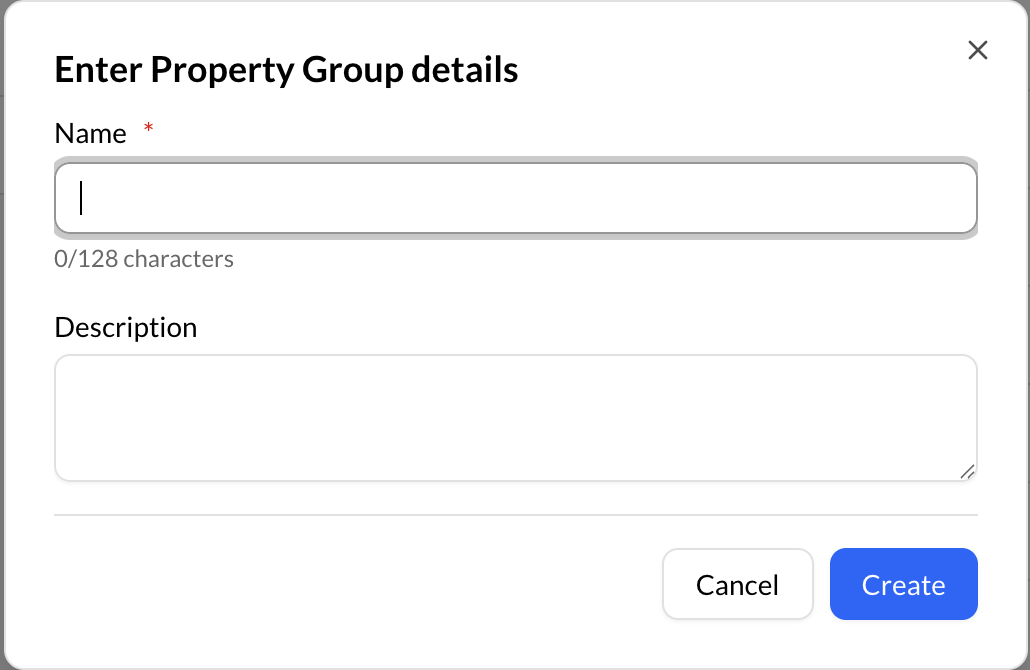
Using the “Create (+)" button, on the right of the "Search for Property Groups", you can create a new Property Group.

Asterisk (*) represents the required fields.
Create Properties
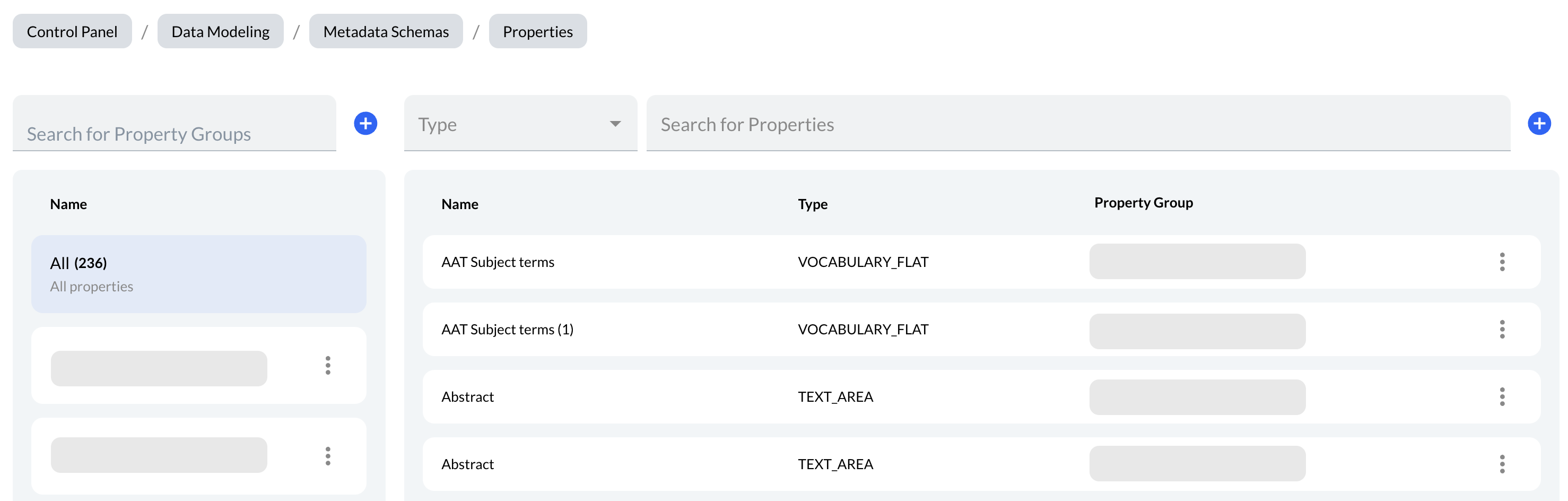
To add one or more properties in a Property Group, choose a Property Group and click the “Create (+)" button, on the right of the "Search for Properties".
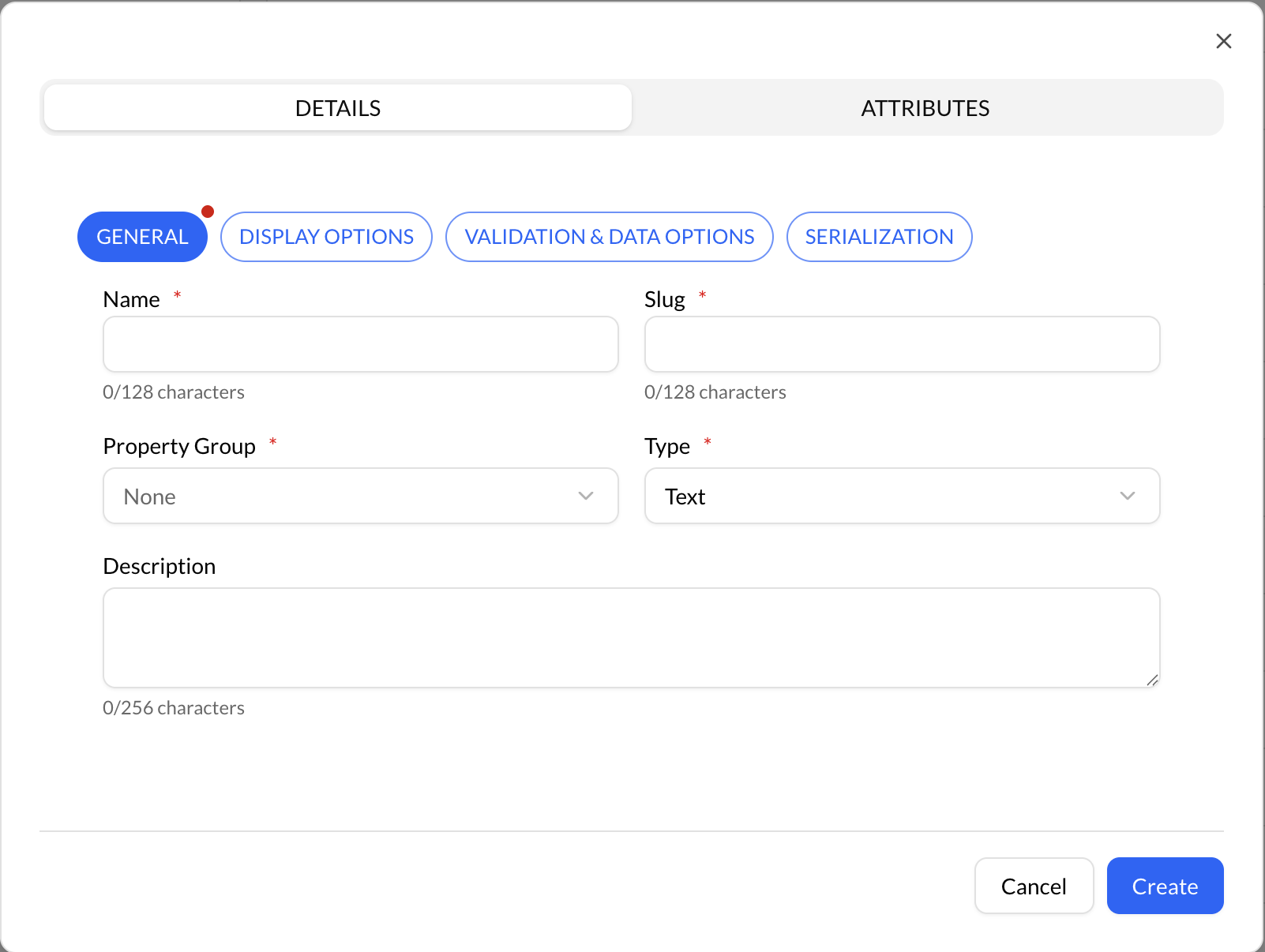
Asterisk (*) represents the required fields.
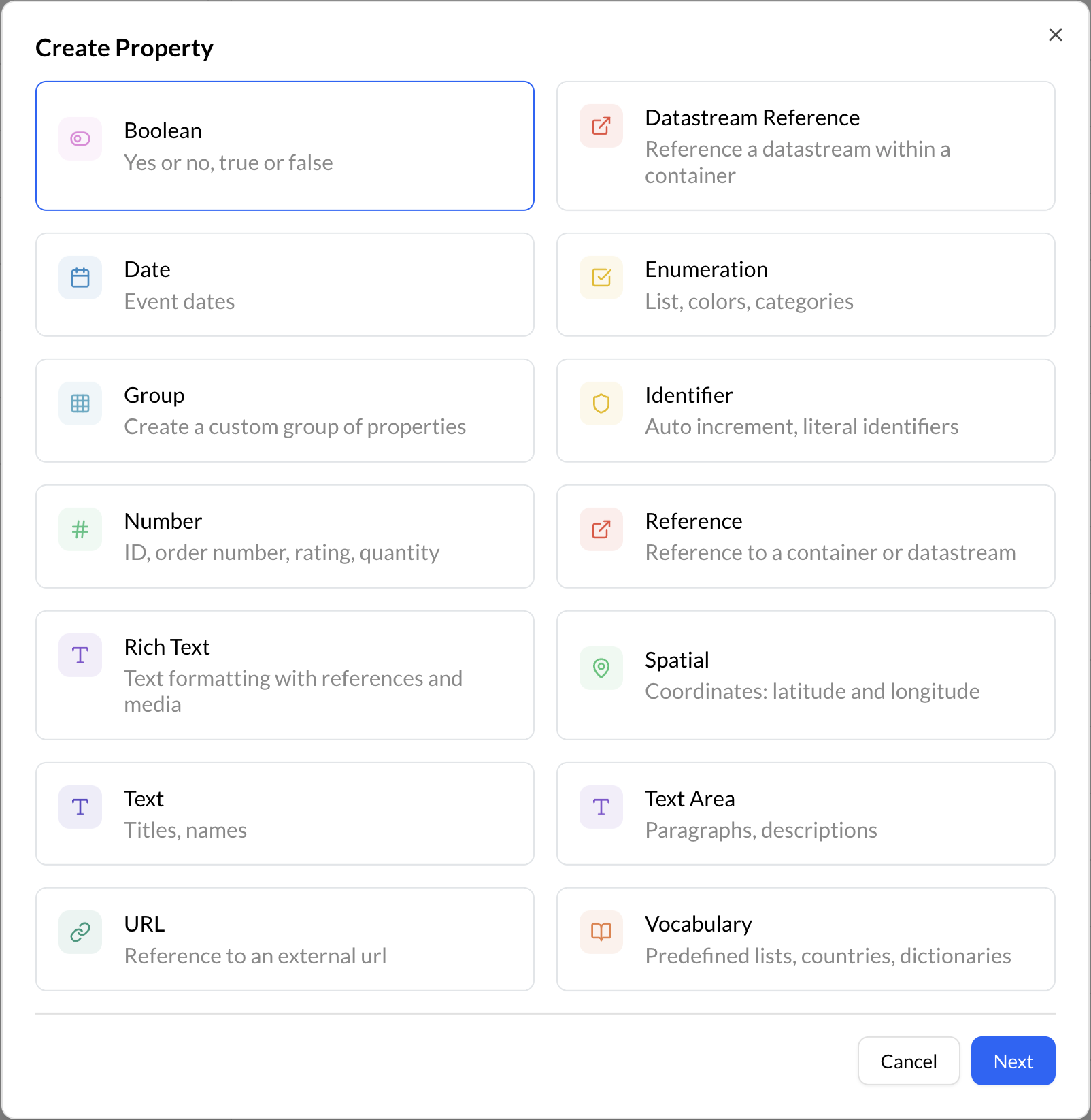
The following are the different property types available in Repox:
| Type | Description | Values |
|---|---|---|
| Text | A simple text field that can be used to enter short pieces of information, such as a title or a name. | text |
| Text Area | A larger text field that can be used to enter longer pieces of information, such as detailed description or a summary. | text |
| Boolean | A true/false field that can be used to indicate whether a particular characteristic applies to an item or not. | true/false |
| Number | A field that can be used to enter numeric values, such dimensions or quantity. | numeric |
| Date | A field that can be used to enter a date or date range for an item. | dd/mm/yyy |
| Enumeration | A field that provides a predefined list of values to choose from, such as a list of formats or genres. | predefined values |
| URL | A field that can be used to enter a web address or hyperlink for an item. | http(s)://www.domain.com/ |
| Group | A field that can group multiple properties together, regardless of their type. | |
| Identifier | A field that automatically assigns an identifier to each newly created container or datastream. | |
| Spatial | A field that can be used to enter spatial information, such as a location or geographic coordinates. | latitude, longitude |
| Rich Text | A field that allows for formatting and styling of text, such as bold or italicized text. | text |
| Reference | A field that allows for referencing related items in the collection, such as a parent or child record. | container/datastream type |
| Datastream Reference | A field that allows for referencing related items in the collection. | datastream type |
| Vocabulary | A field that provides a controlled vocabulary of terms and values to choose from, such as a list of subject headings or keywords. | predefined values |
By using these property types effectively, you can define rich and accurate metadata for your items in Repox Store and make it easier to search, filter, and analyze your collections.