Reports
To see reports about all the content of Repox Store:
Go to the "Reports" at the left menu of Repox Store.
Report of a Specific Container
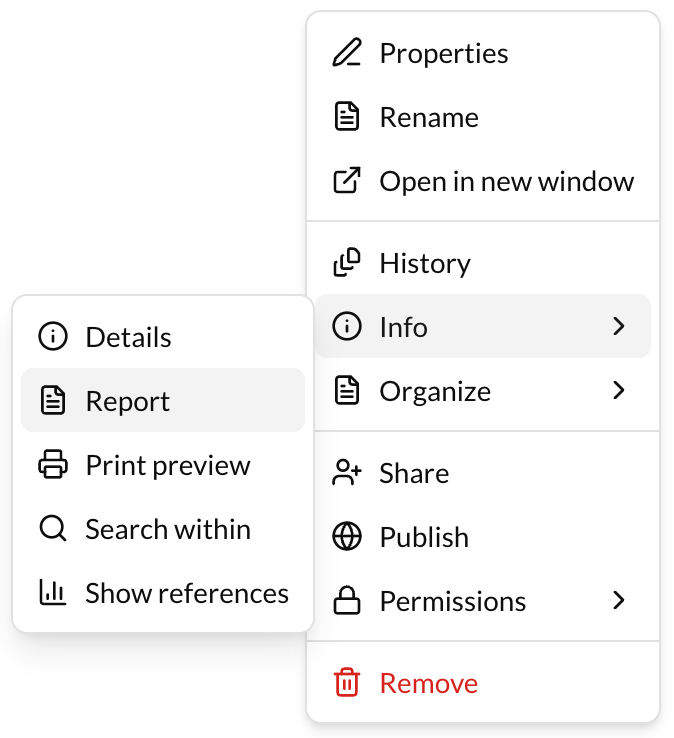
To see a report for a specific container:
- Go to the actions button (3 dots) at the right of the container.
- Click on "Report".