User Impersonation
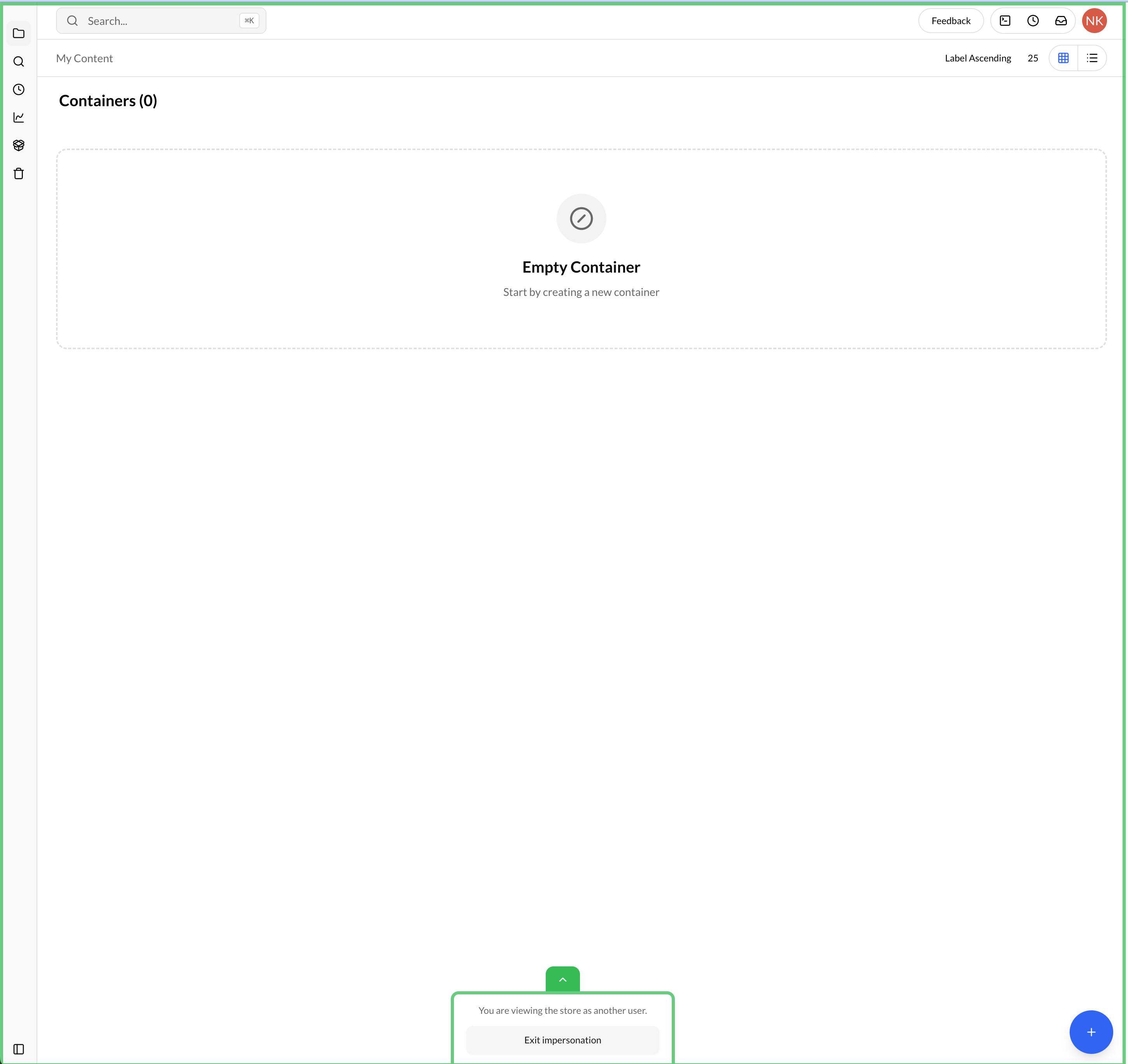
The User Impersonation feature allows System Administrators to access the platform as another user. This functionality is useful for troubleshooting issues, verifying permissions, assisting users, and reproducing user-specific scenarios without requiring the user's credentials.
Only users with the System Administrator role can impersonate other users.
How to Impersonate a User
To impersonate a User, click on:
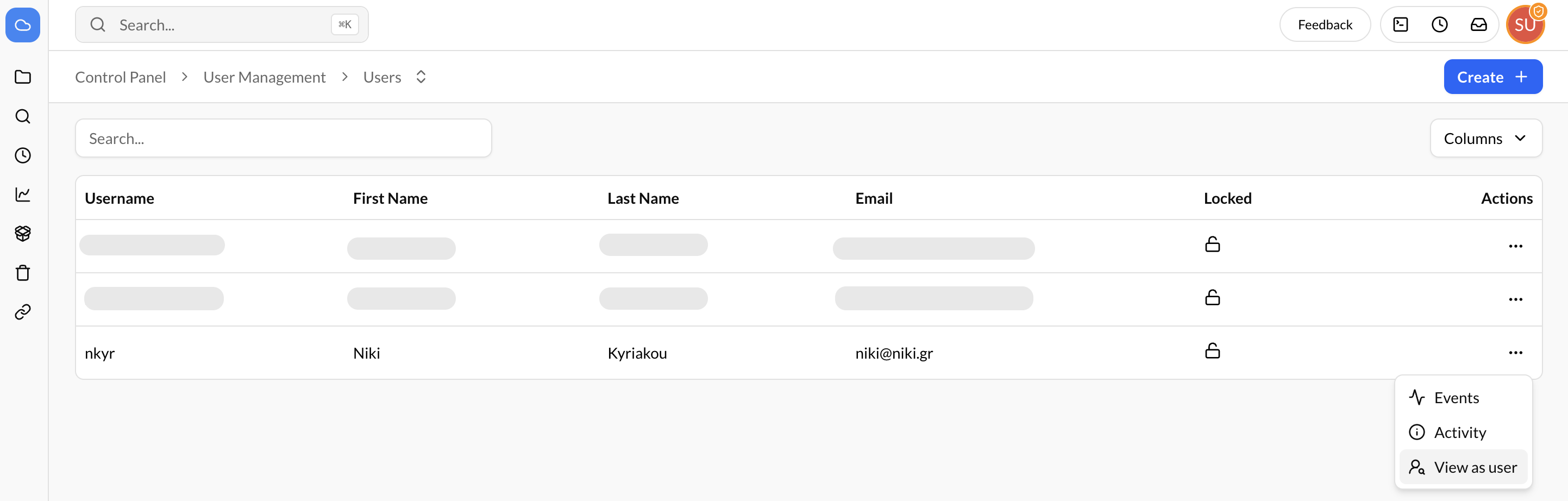
- Navigate to Settings → User Management → Users.
- Locate the user you want to impersonate in the users table.
- Click the three-dot menu (⋮) on the right side of the user's row.
- Select View as User.
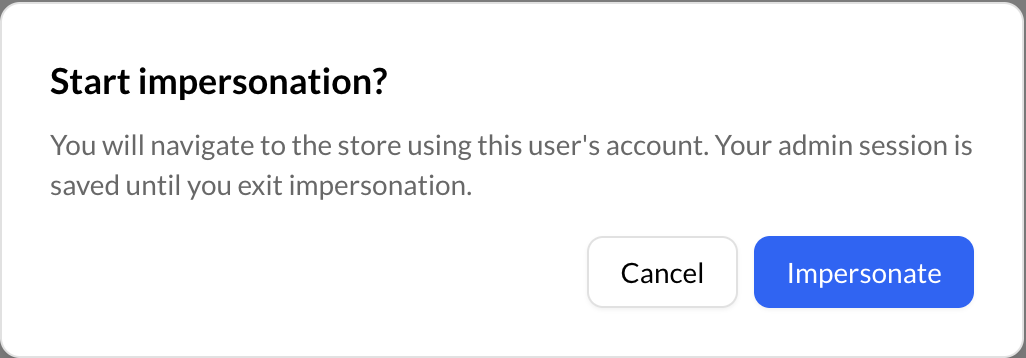
- A Start Impersonation confirmation modal will be displayed.
- Click Impersonate to begin the impersonation session.