Create a Route
To create a Route within Repox Guide, select "Routes" from the left-hand menu,
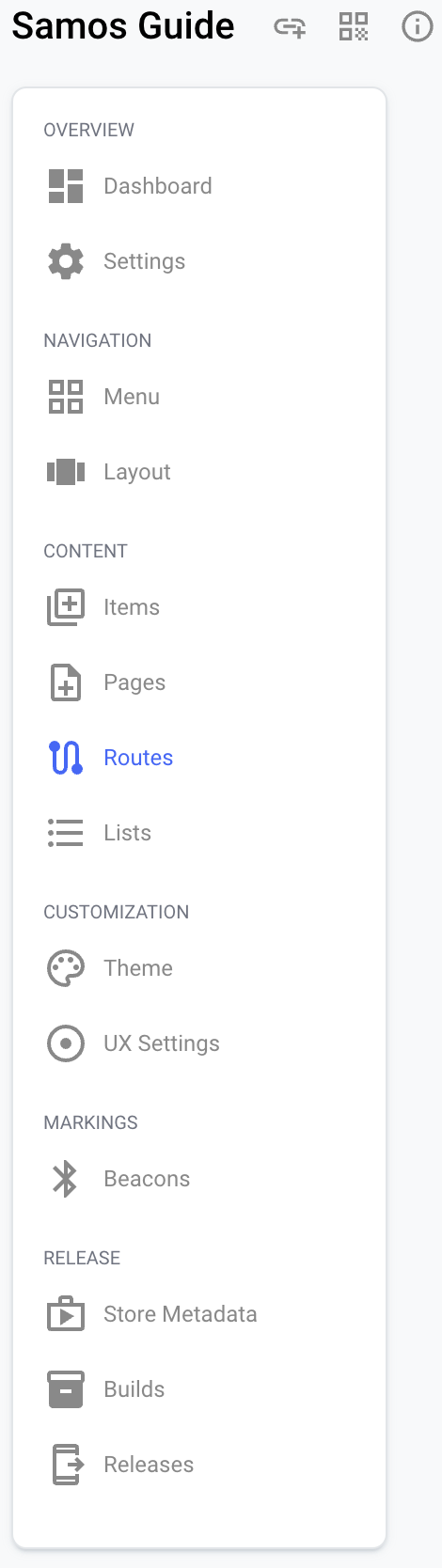
then click on "+Create new route".
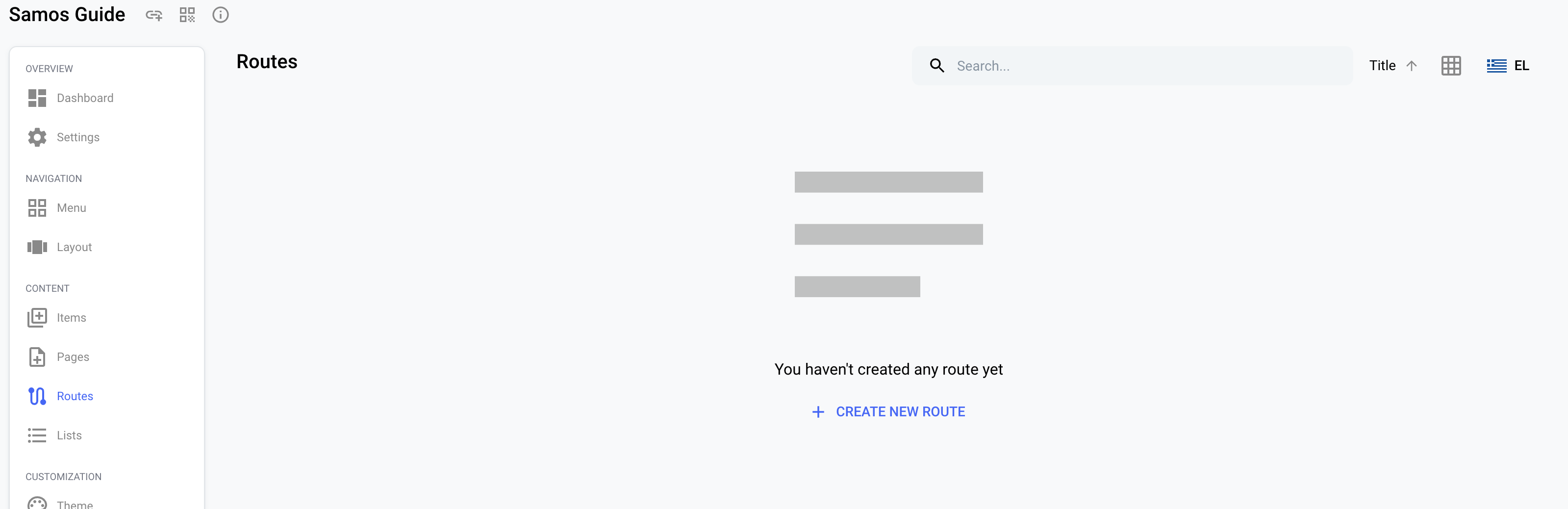
If one or more routes already exist and you wish to add another, simply use the “Create (+)" button, located at the bottom right of the Repox Guide interface.
To create a Route, there are both mandatory and optional fields to consider. 'Route Name' and 'Code' are essential, with the former denoting the route's title and the latter serving as its unique identifier. Essential is also the default Layout which can be List of Map. Additionally, you have the option to provide a description for the route, to upload a cover image via the media library and to add the duration of the route (hours, minutes).
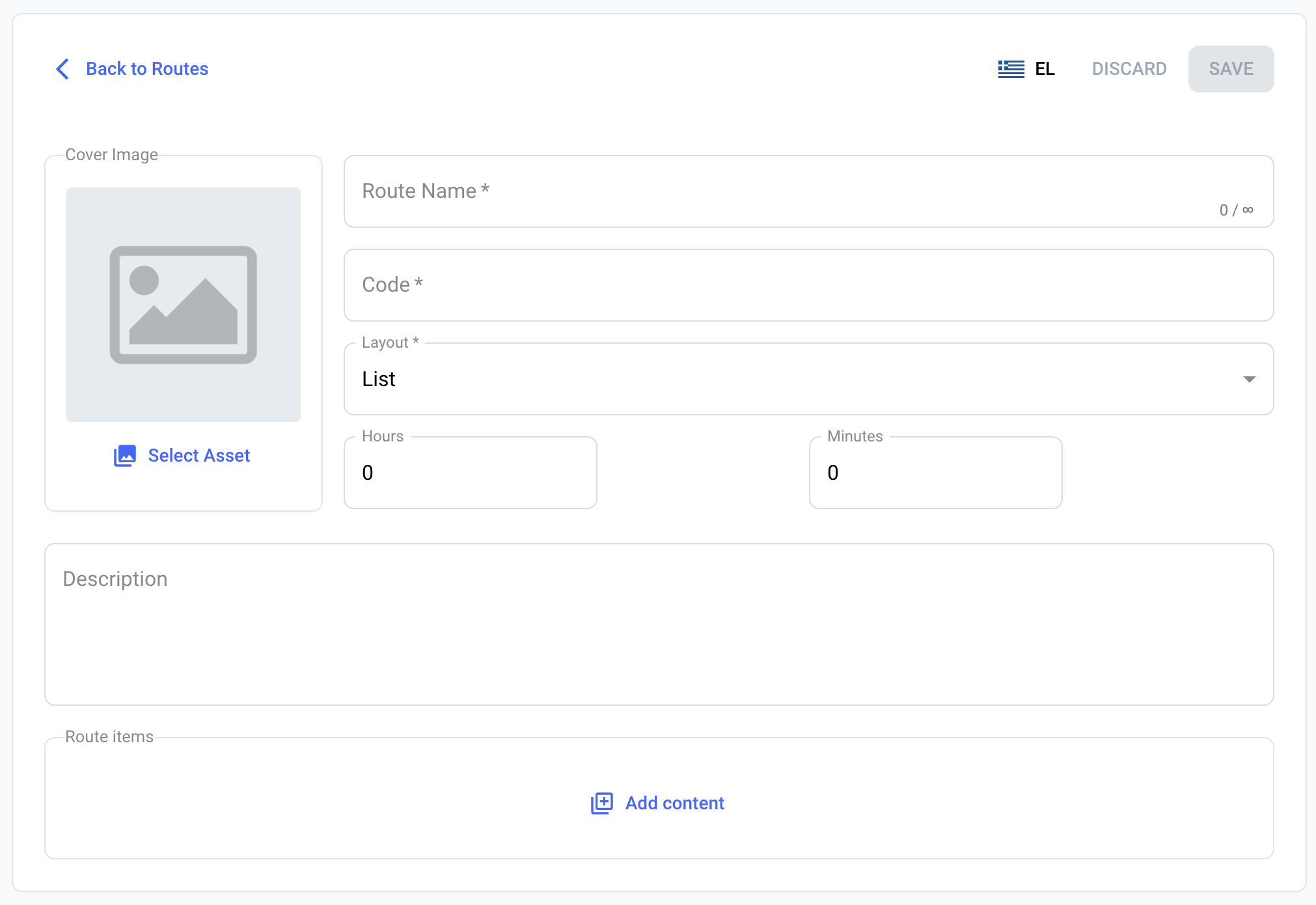
A Route is composed of several items. Beyond the primary route details, you'll need to include items by using the "Add content" button. Upon clicking this, a list of existing items will be displayed, allowing you to select those you wish to incorporate into the route you're crafting.