Create New Repox Guide
To create a new Repox Guide, click on "Create a New Guide" button:
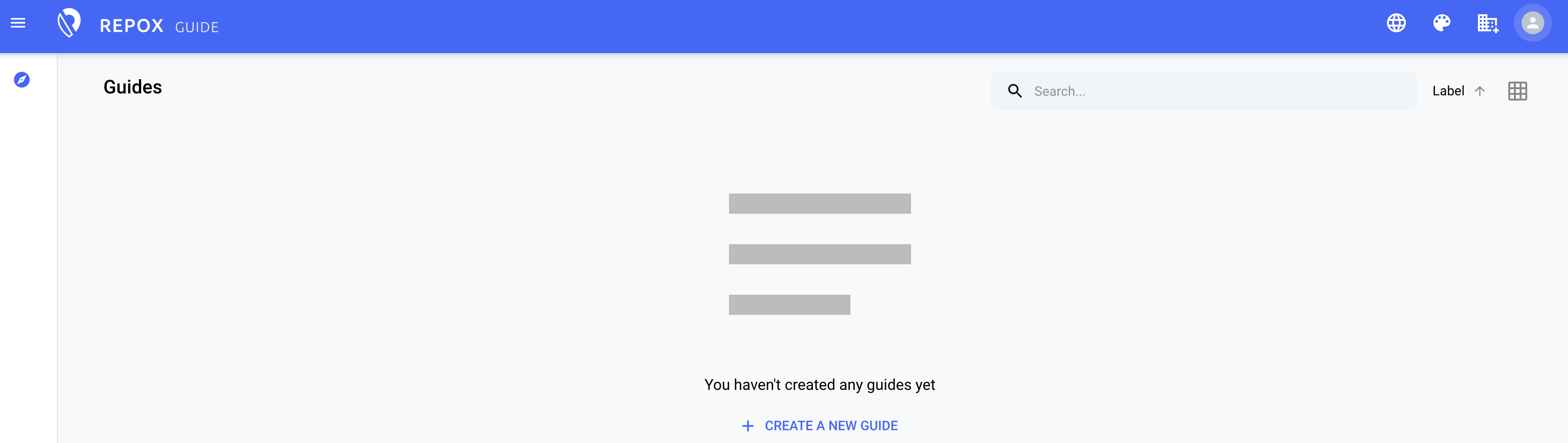
If you've previously set up a Repox Guide and wish to start another, simply click the “Create (+)" icon located at the bottom right of the Repox Guide interface.
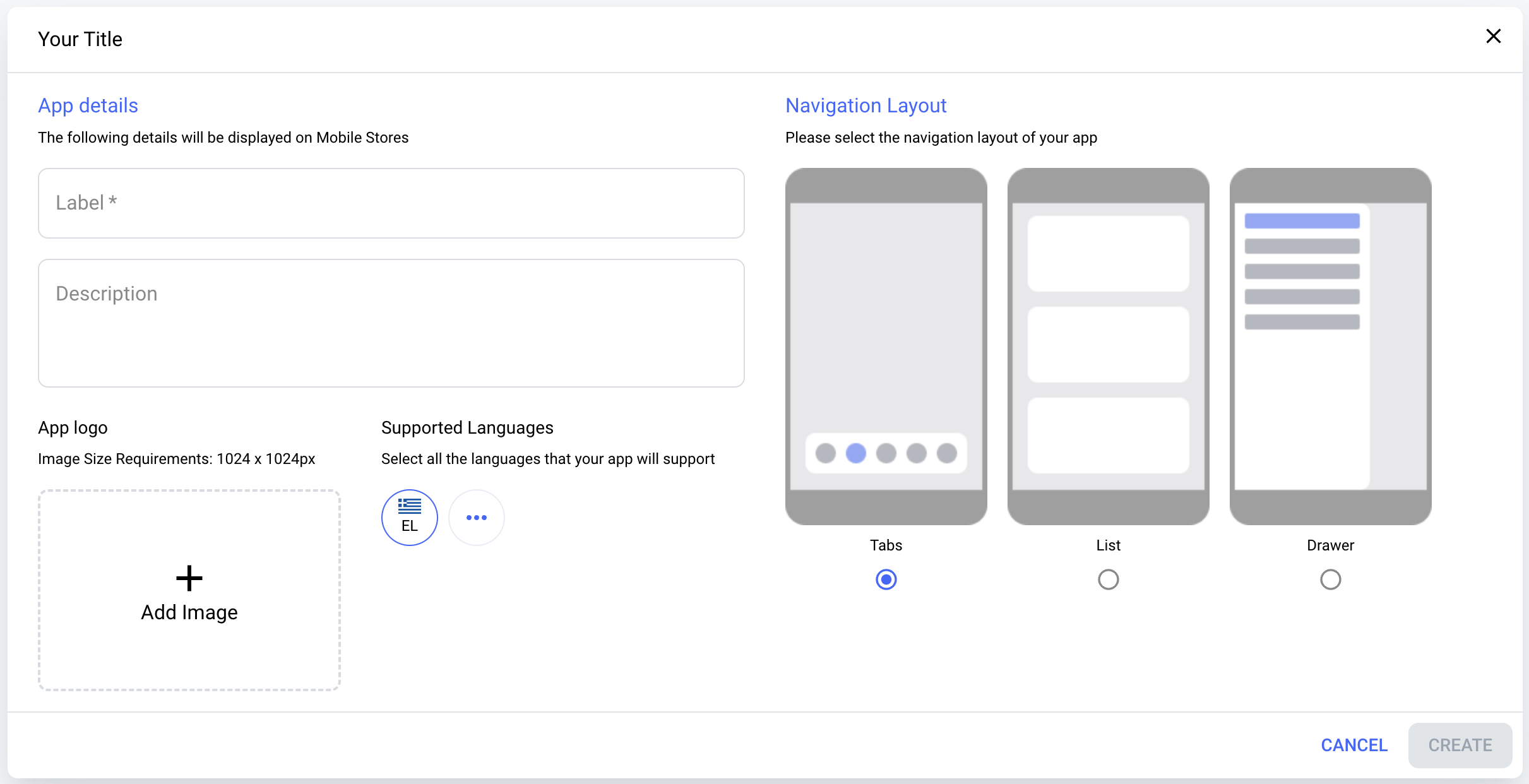
When creating a new Repox Guide, there are both required and optional details that you'll need to provide.
Specifically, the Label field is mandatory, serving as an essential identifier for the Guide. Beyond that, several optional fields are available to enhance the customization of your app. You can include a description, giving users insight into the purpose and content of the Repox Guide you're creating.
If you wish, you can also add a logo for the app, adhering to an image size requirement of 1024 x 1024px. Additionally, you have the flexibility to define the supported languages, tailoring the app's accessibility to different linguistic audiences, and select the navigation layout to best suit the app's content and user experience.
Upload a Logo
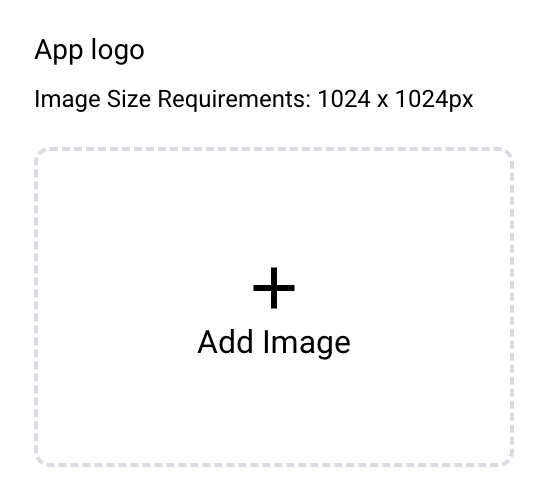
To upload an app logo, navigate to the "App logo" section and click on the "Add image" button.
This will open a media library window where you can either click "Upload" or select "+Add items to media library."
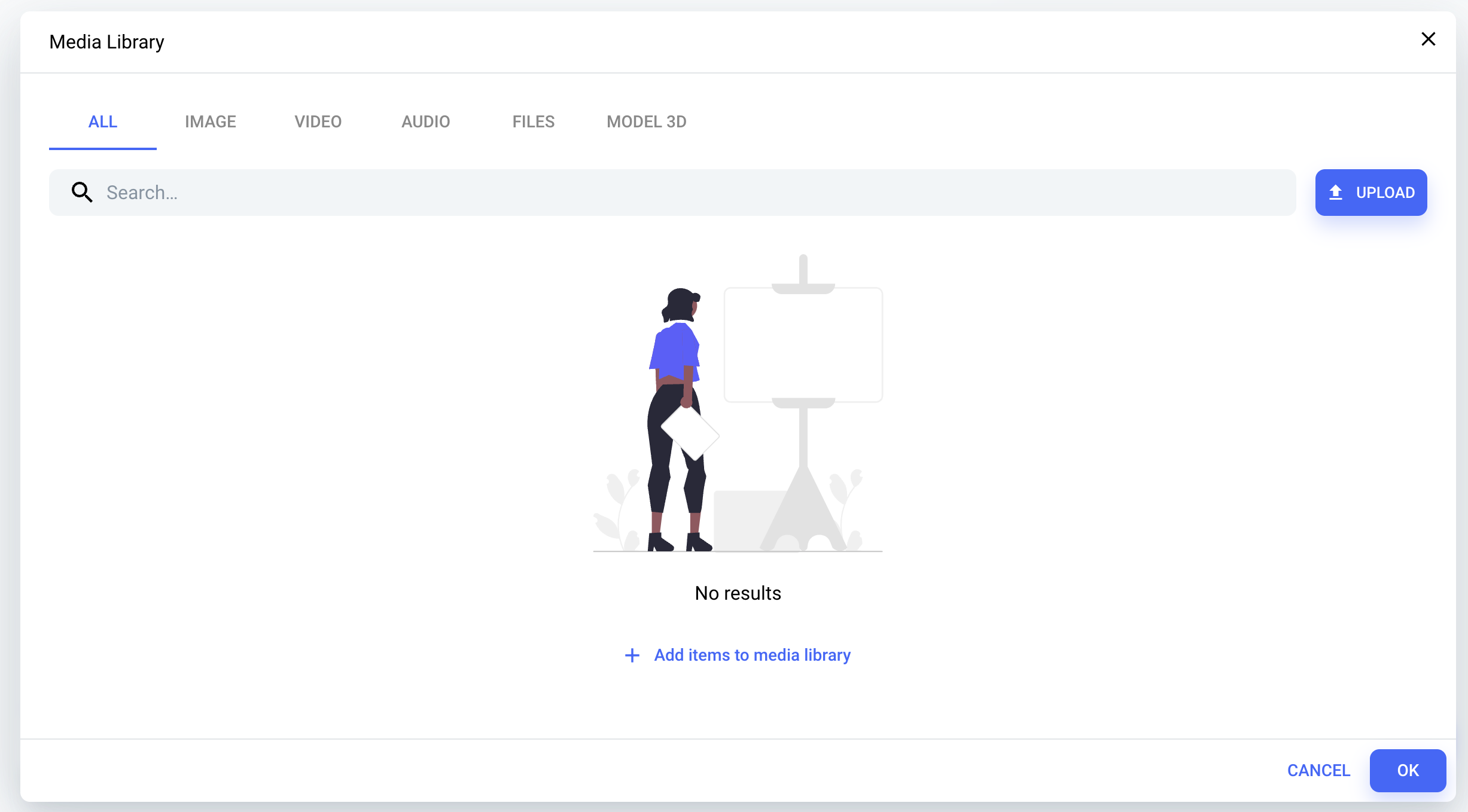
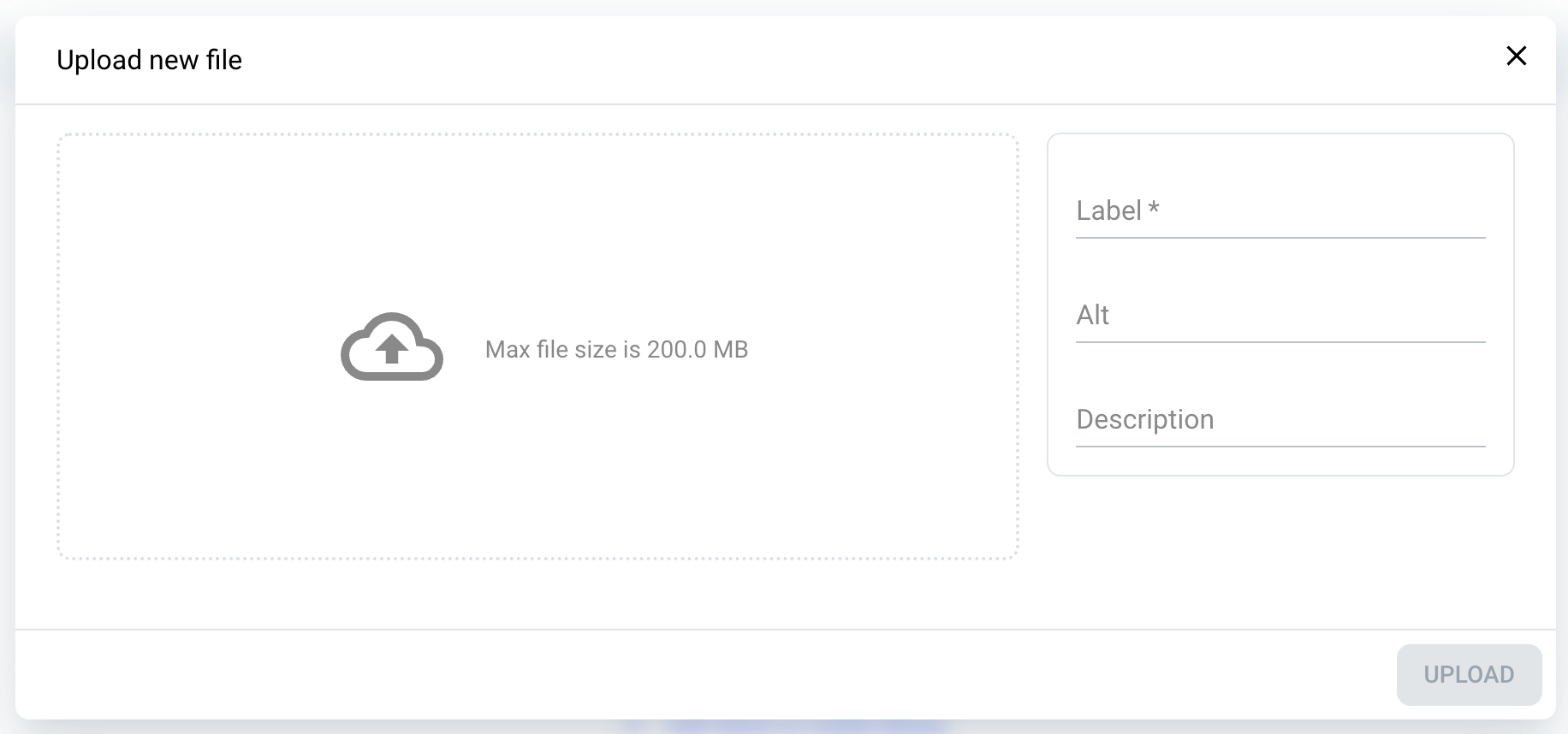
In the new window that appears, simply drag and drop the desired image for your logo, and then complete the mandatory Label field. You also have the option to include alt text and a description for the image, enhancing its accessibility and context.
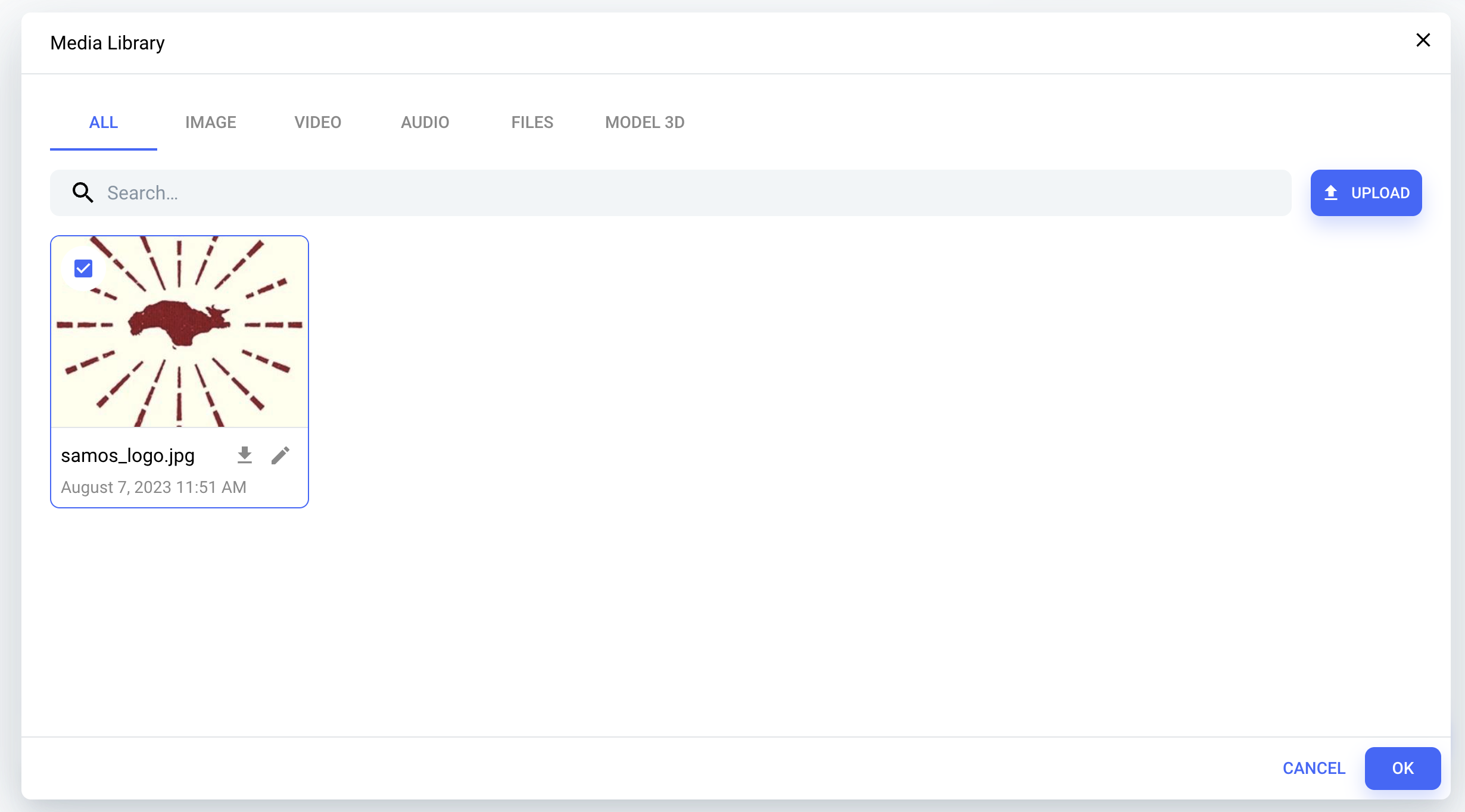
Once the image is successfully uploaded, select it to finalize the process, thereby designating it as the app's official logo.
Choose Supported Languages
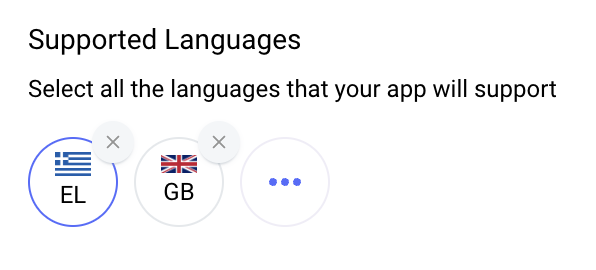
"Greek is set as the primary supported language. To incorporate an additional language, simply click on the three dots within the 'Supported Languages' section and select your desired language from the dropdown list.
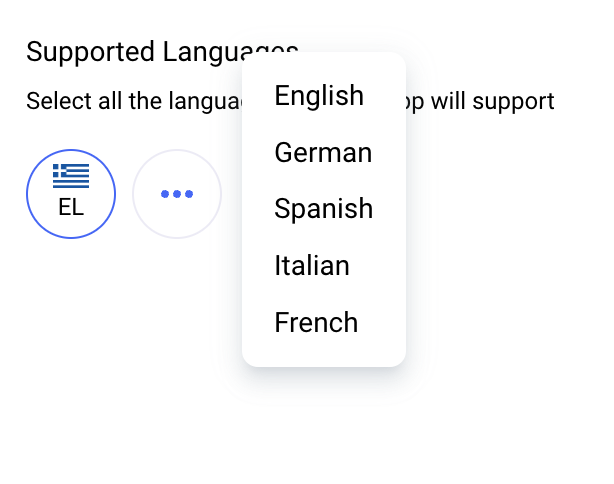
To remove a chosen supported language, simply click the 'X' button displayed next to the respective language flag.